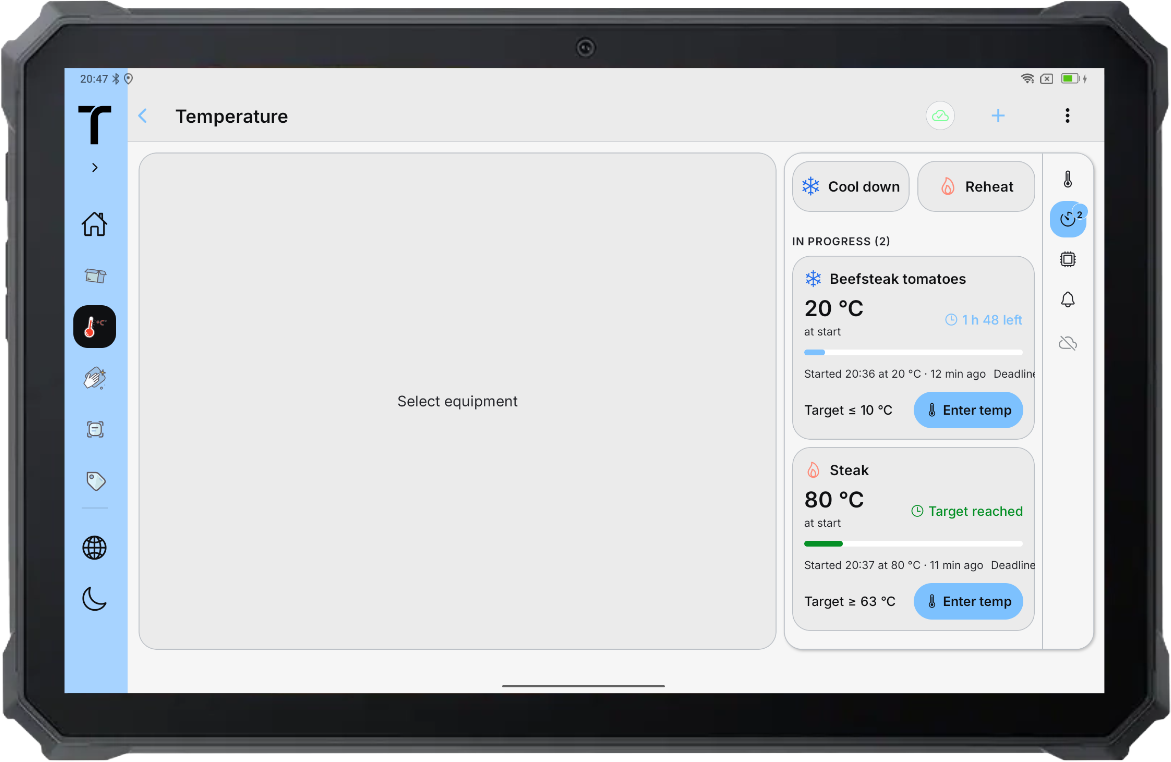
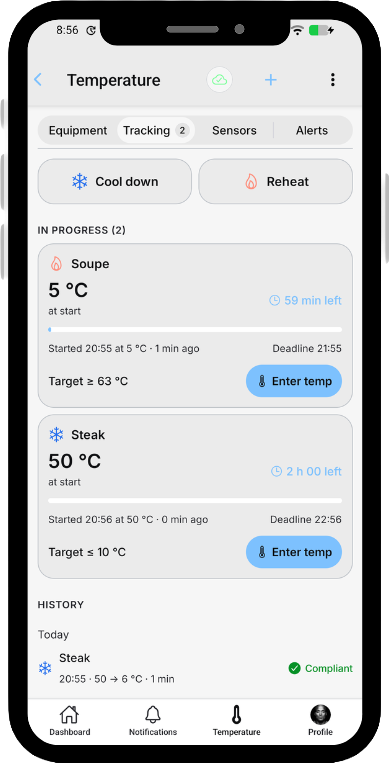
A simple and intuitive app.
Essential actions stay easy to access from one clear view.
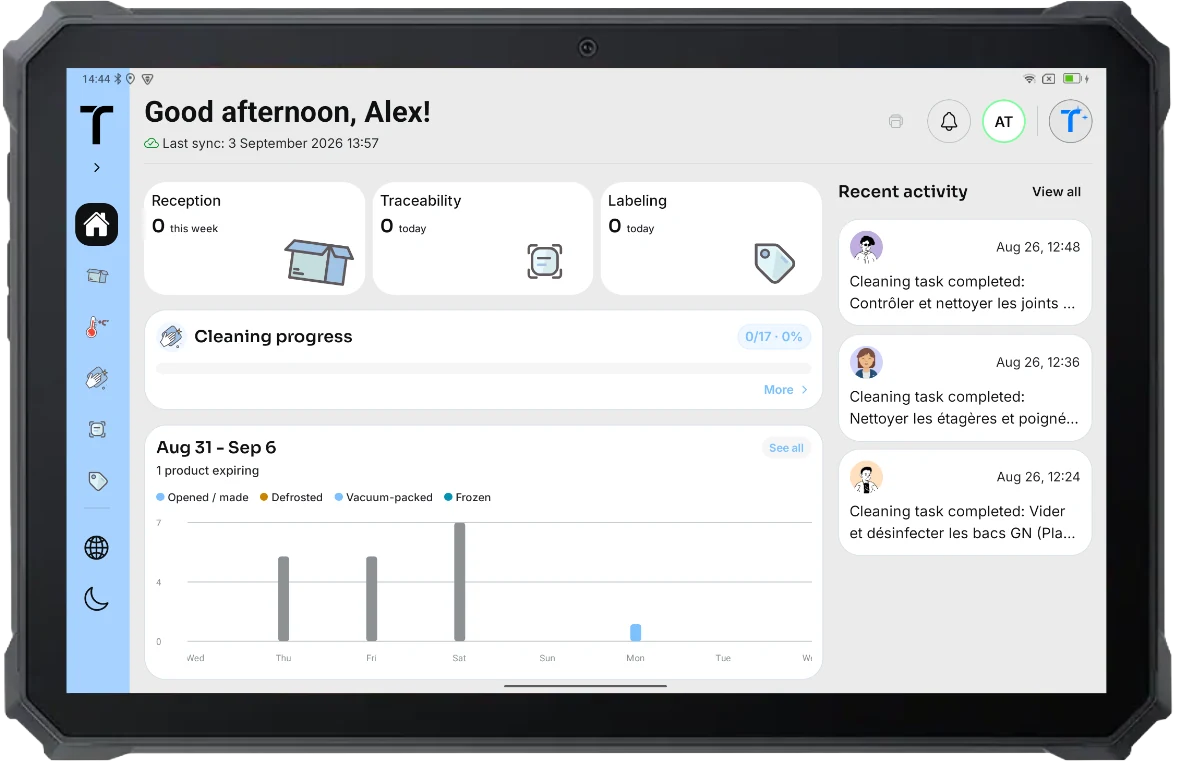
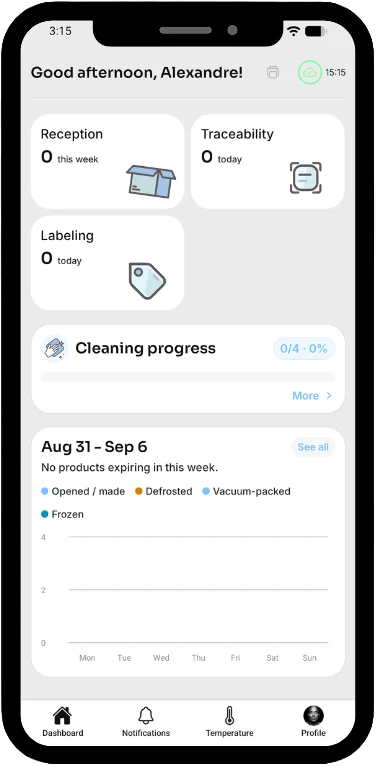
Your daily HACCP checks
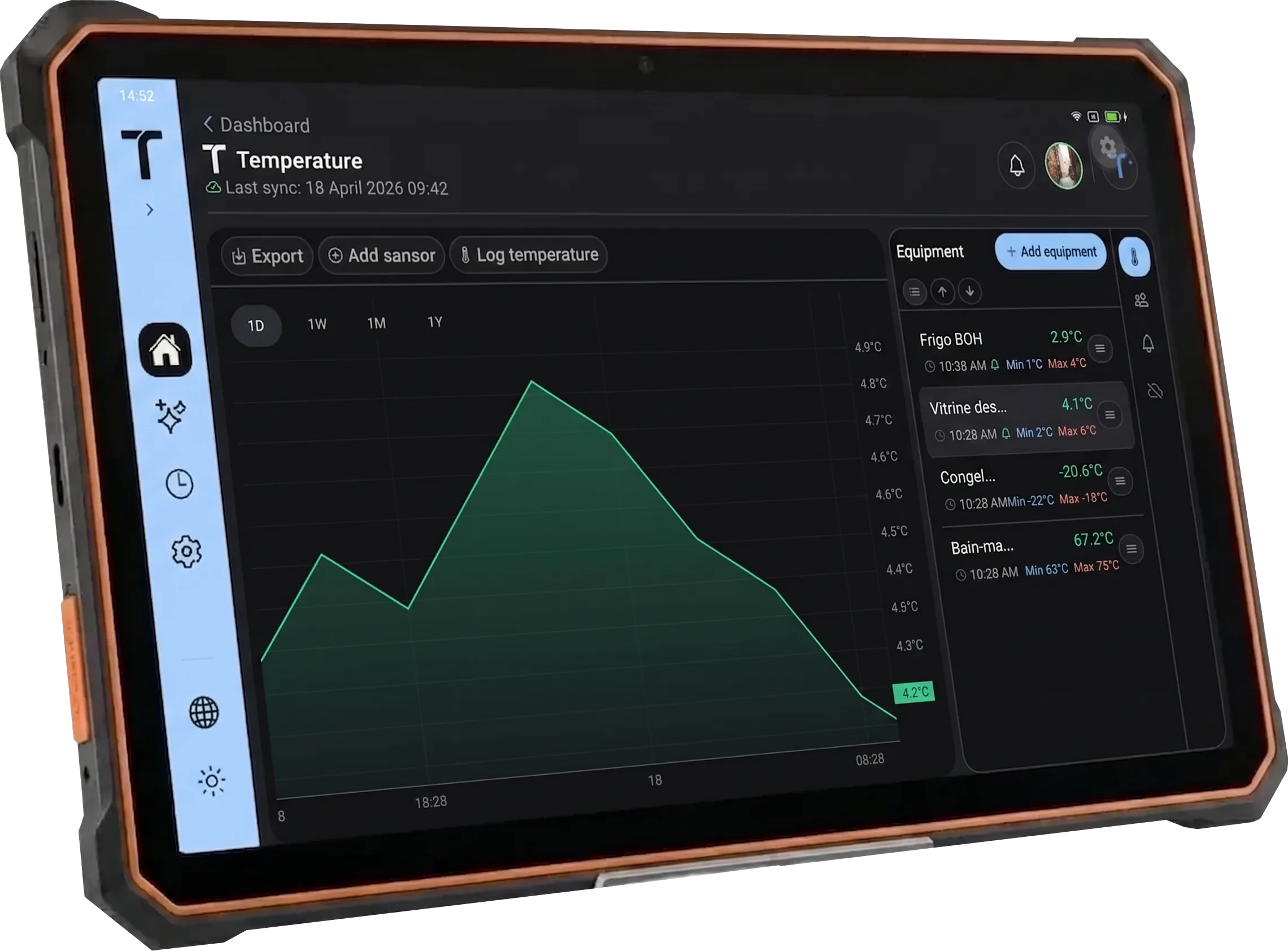
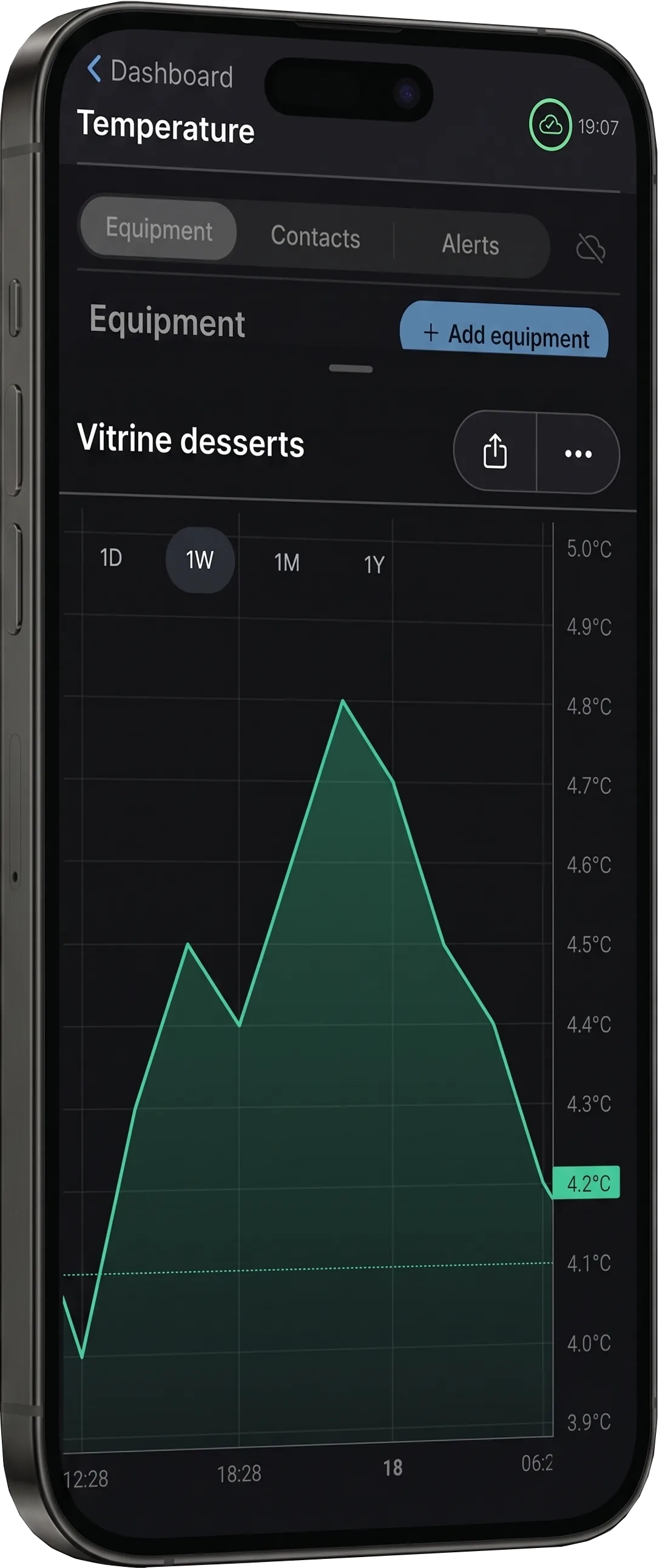
HACCP temperature monitoring: readings, alerts, and history
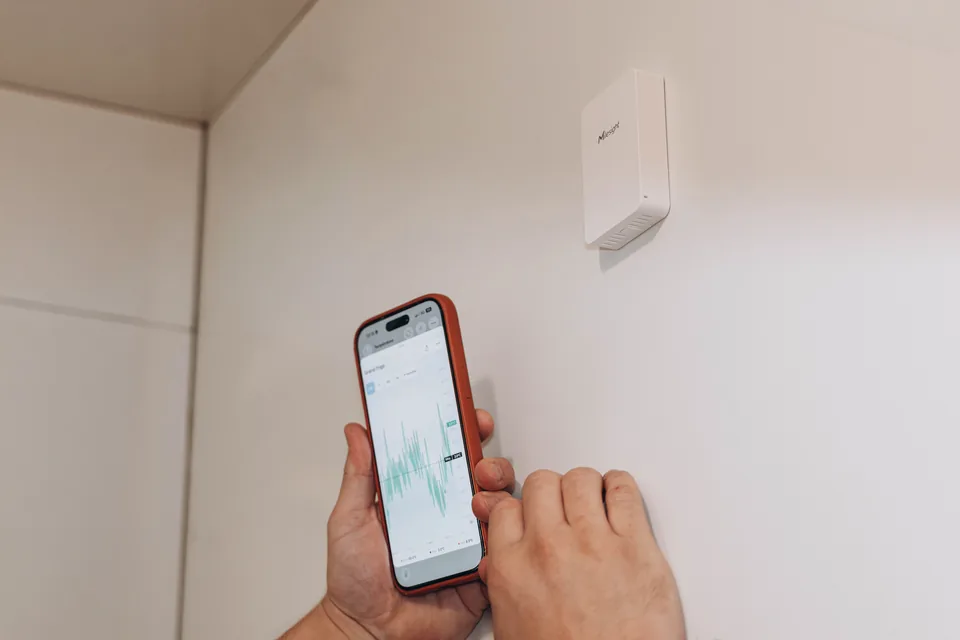
Bring manual readings and automatic measurements together in Traceo, then review deviations and history for each appliance.
- 01
Monitor
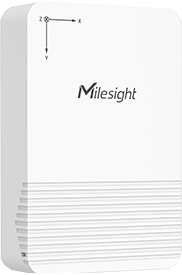
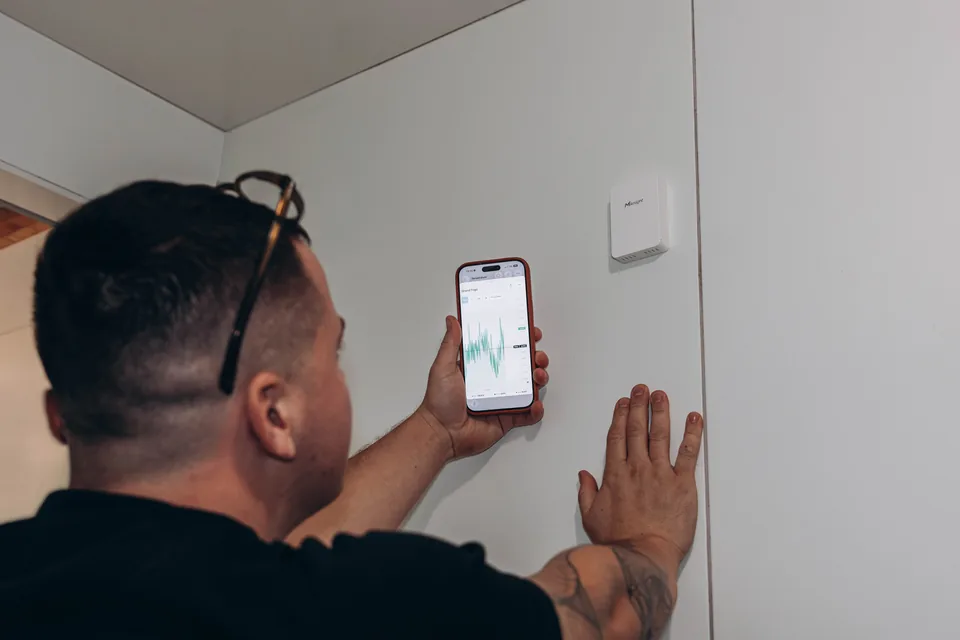
Sensors transmit measurements for fridges, displays, and cold rooms configured in Traceo.
- 02
Alert fast
During a power outage, failing fridge, or summer heat, the team is notified in the app and by email.
- 03
Review
Measurements and deviations remain timestamped. The team decides which checks and actions are appropriate.
 Boulangerie Pains & Kouign
  Boulangerie Pains & Kouign
  Boulangerie Pains & Kouign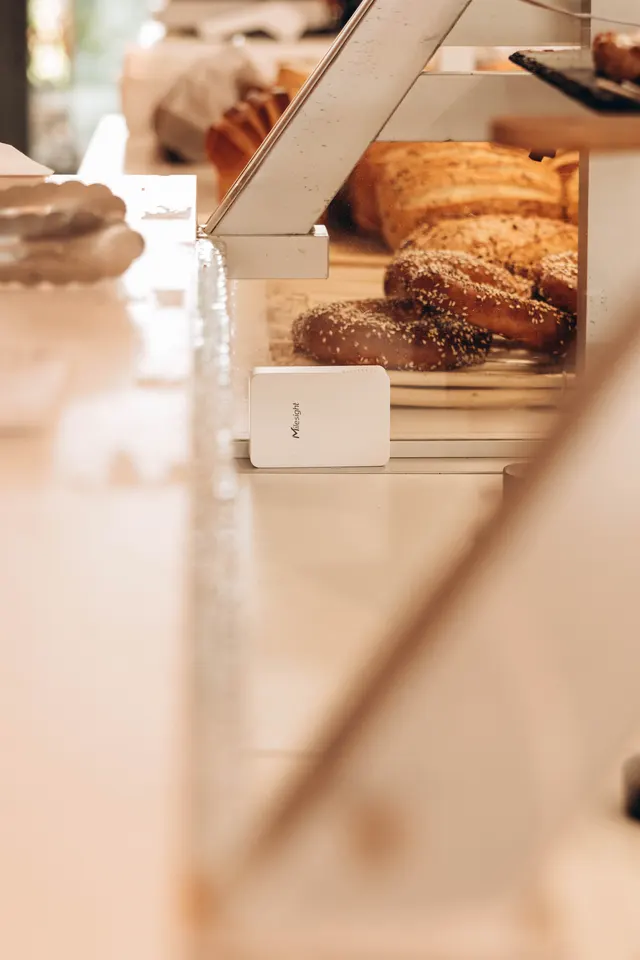
HACCP labeling for batches, preparations, and expiry dates
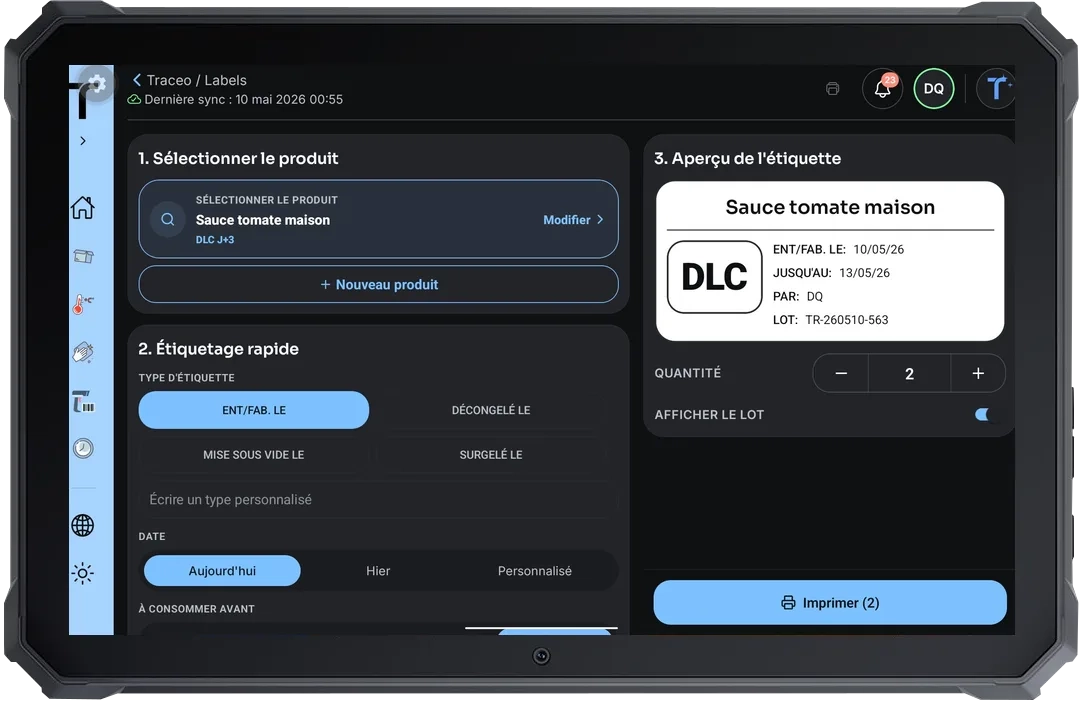
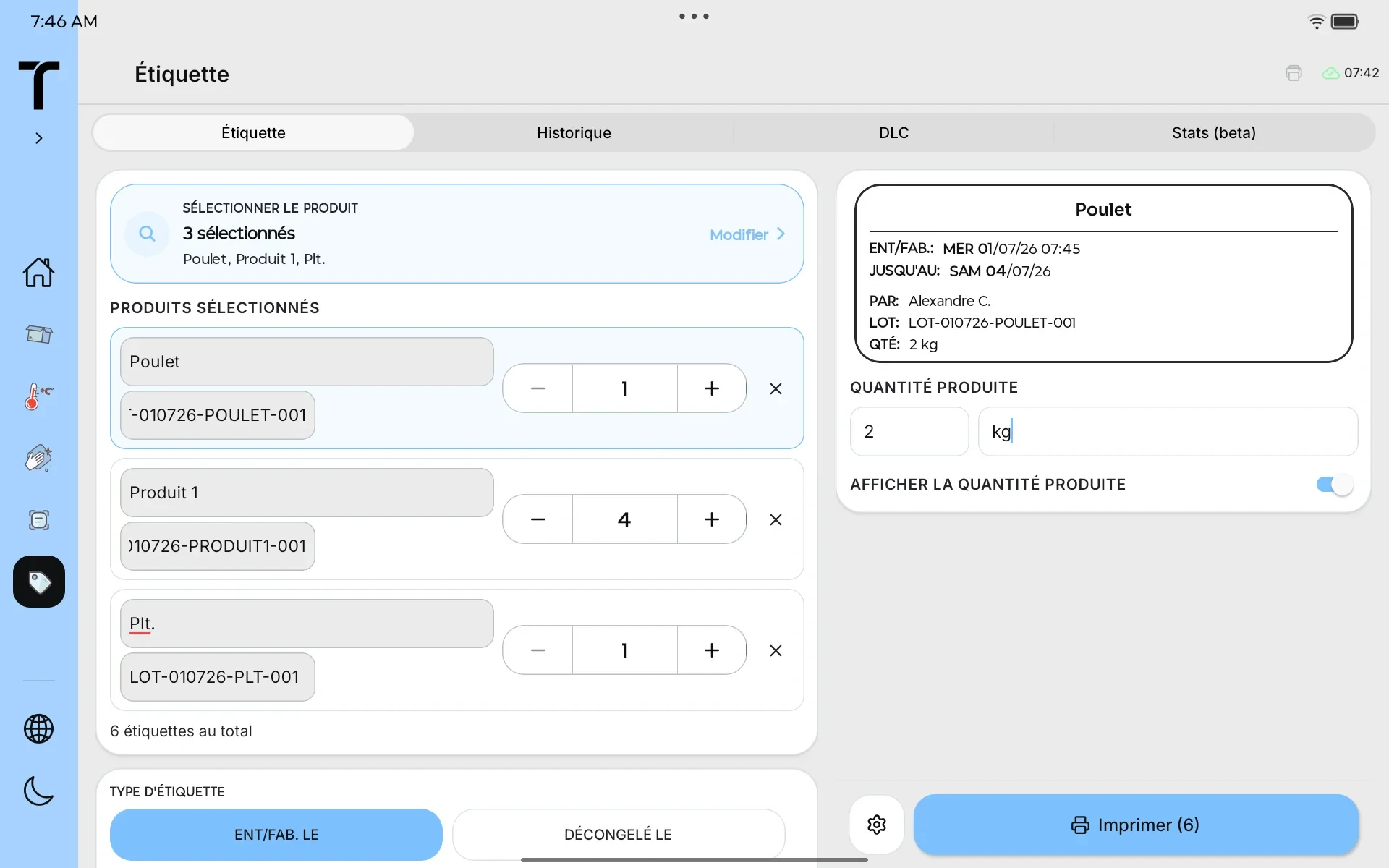
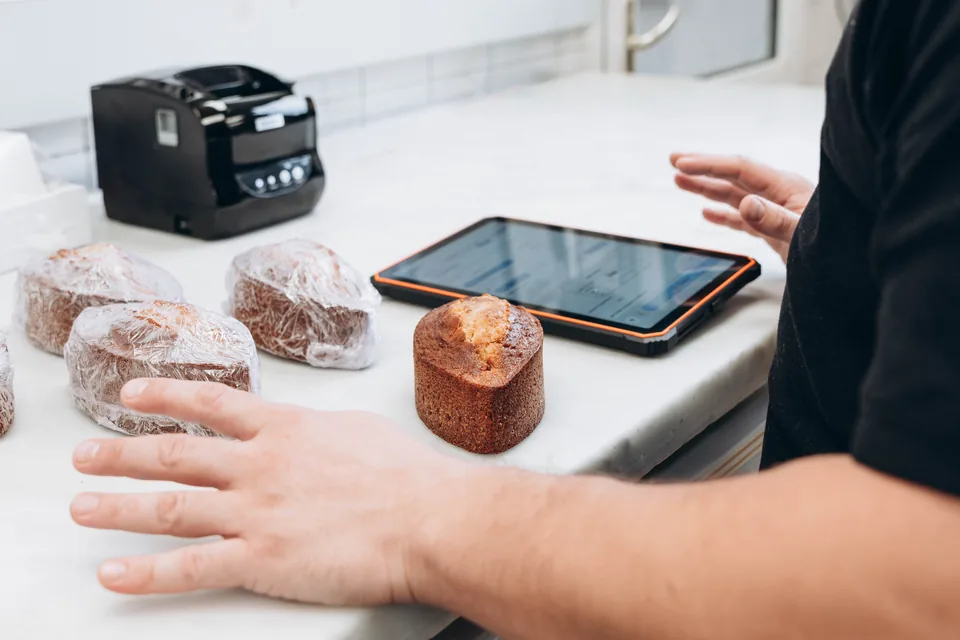
Launch Quick Print from an existing product or traceability record, then review every field before printing.
- 01
Start from existing data
Quick Print uses an existing product or traceability record to prepare a label without making the printed label a linked evidence record.
- 02
Review the information
Review or edit the product and batch, then choose the label type, dates, quantity, and allergens included in your configuration.
- 03
Print configured fields
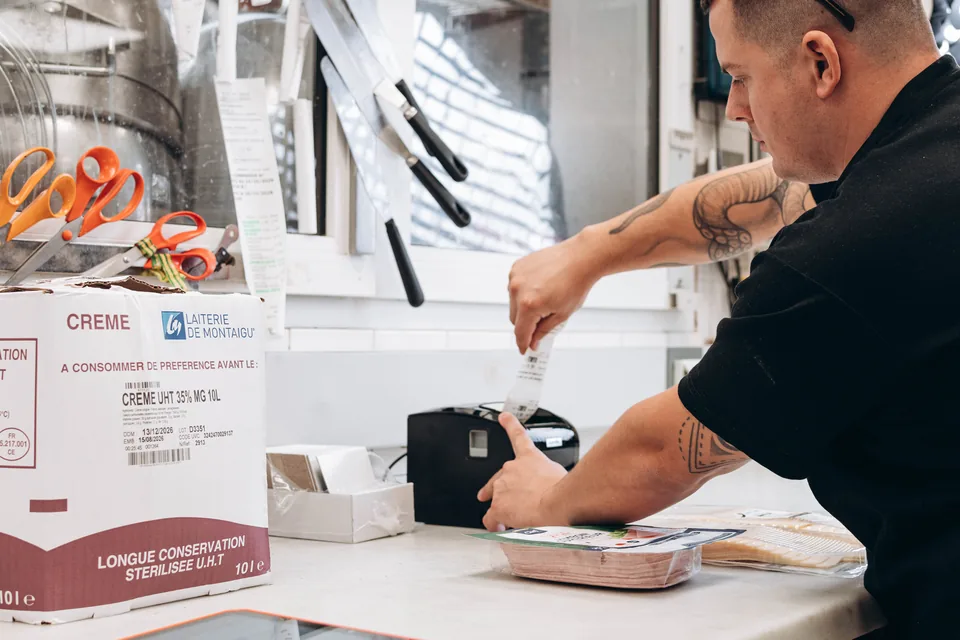
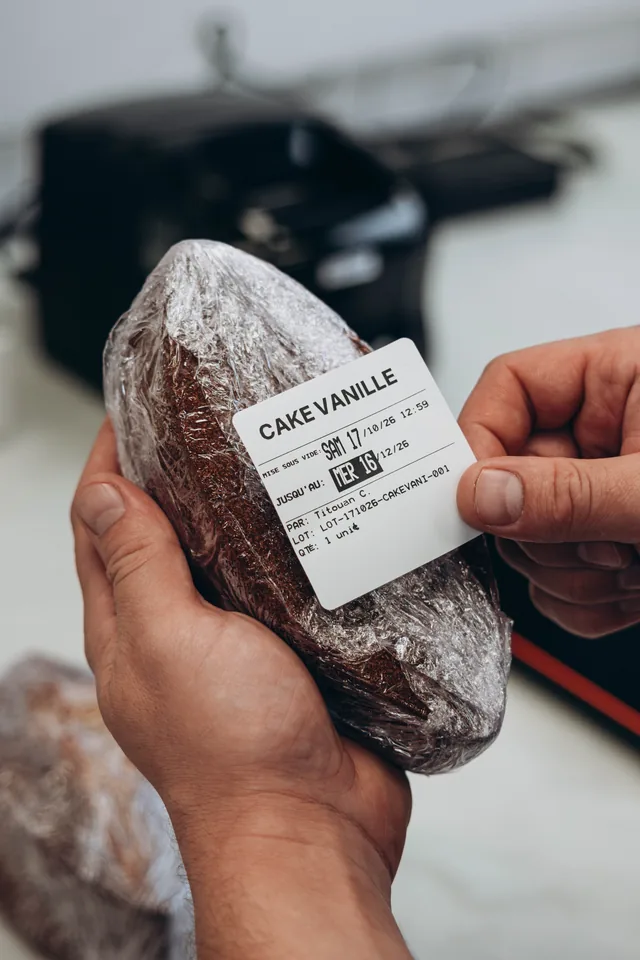
Traceo prepares the fields for the selected label type and sends them to the configured thermal printer.
 Boulangerie Pains & Kouign
  Boulangerie Pains & Kouign
  Boulangerie Pains & Kouign
 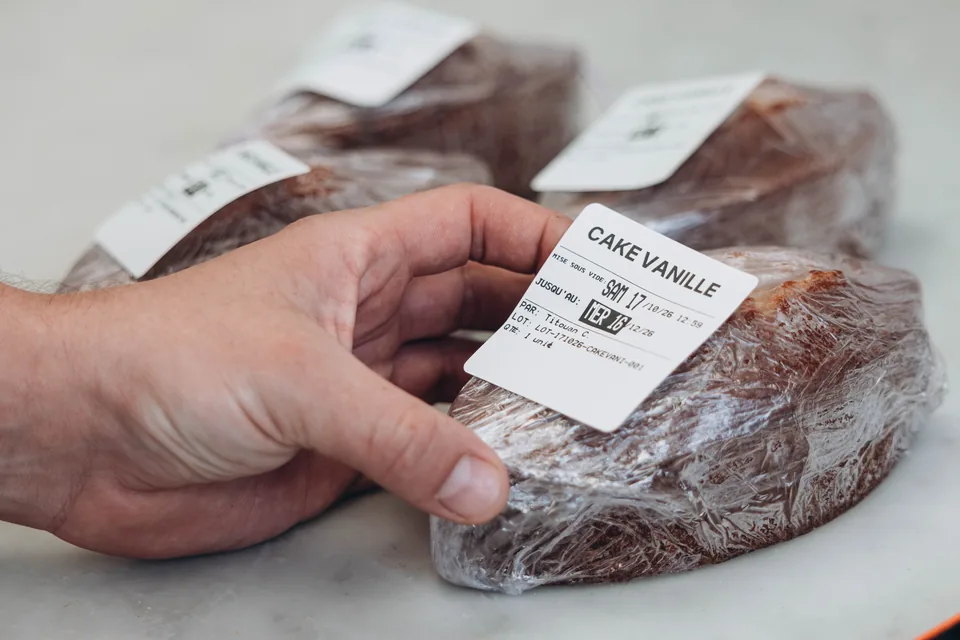 Boulangerie Pains & Kouign
 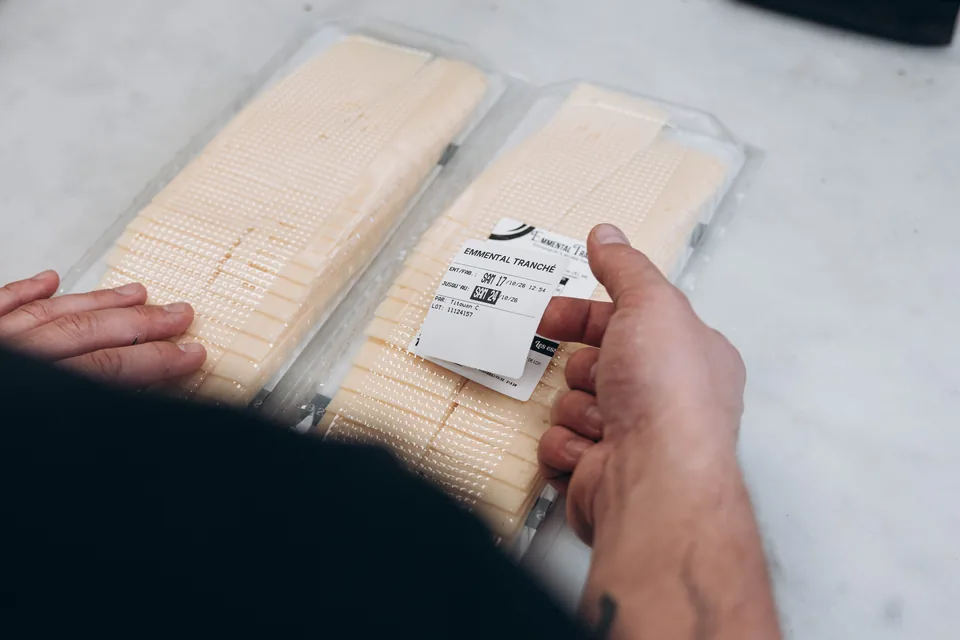 Boulangerie Pains & Kouign
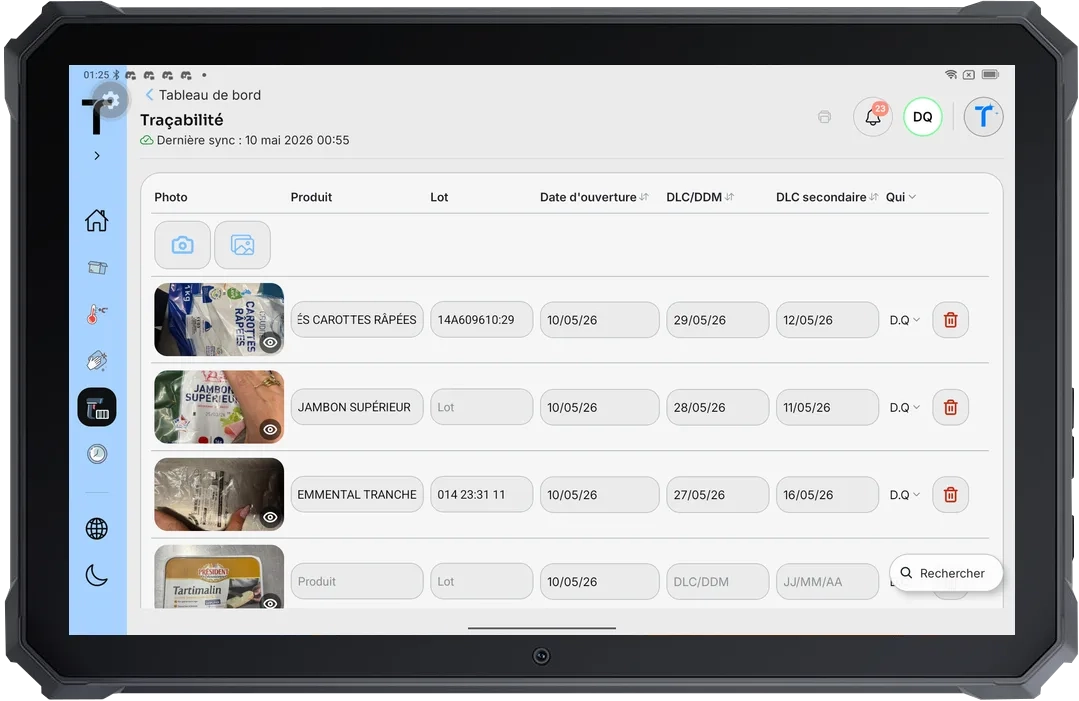
 Digitize your HACCP traceability
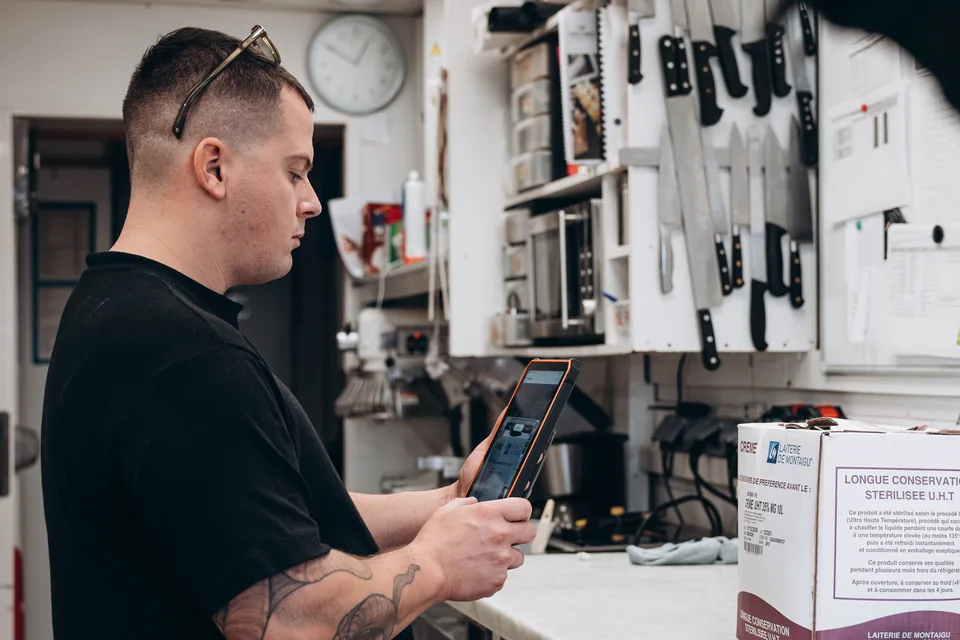
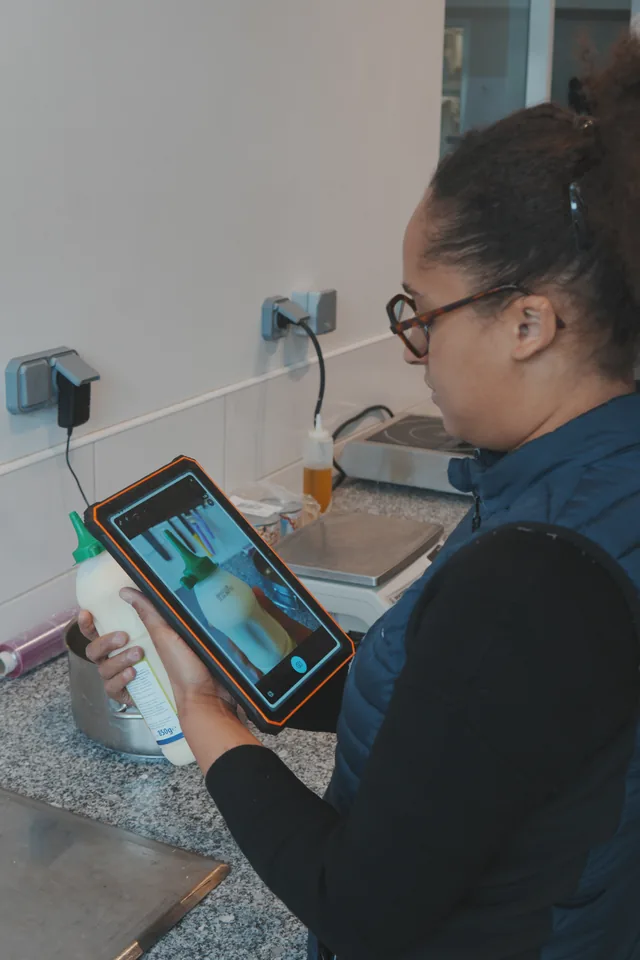
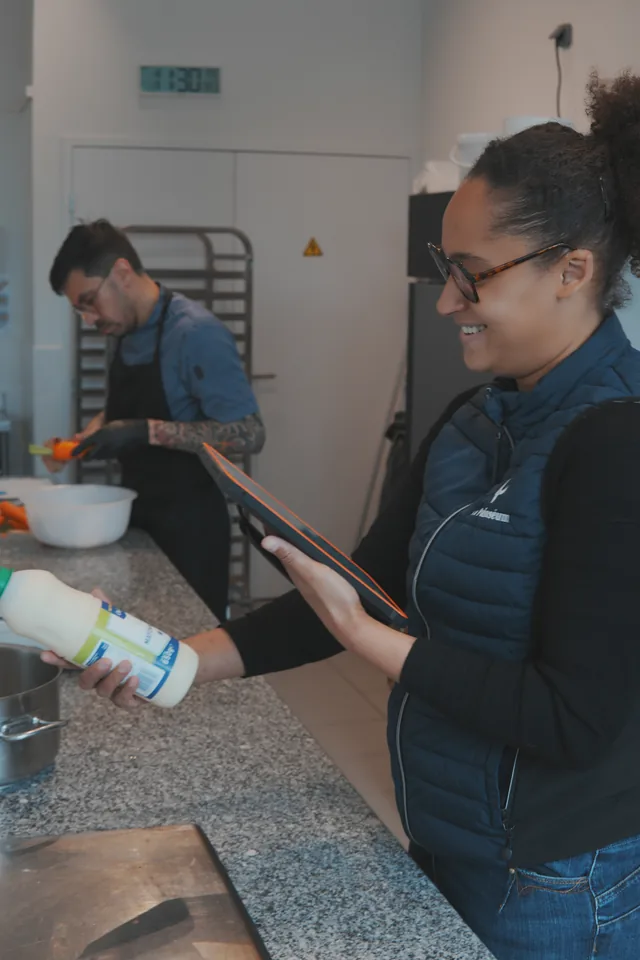
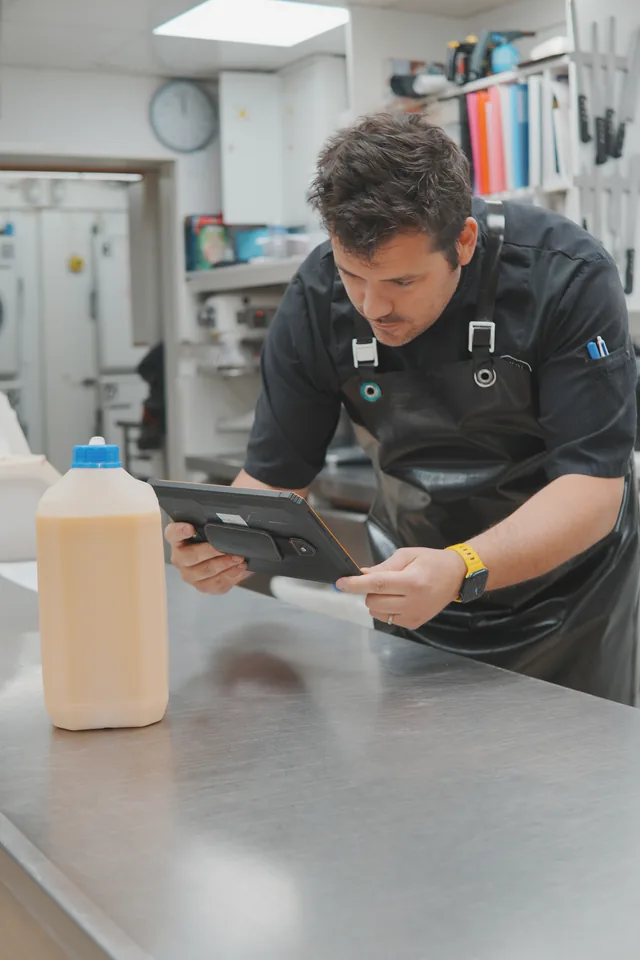
Take one to three label photos: in one second, Traceo extracts the product, batch, and dates, with no correction step before saving.
- 01
Take one to three photos
The team photographs the useful sides of the label in the traceability module.
- 02
Traceo reads the label
In one second, Traceo extracts the name, batch, and use-by or best-before date. It always proposes a secondary use-by date after opening, used in particular to relabel the product.
- 03
Saved straight away
No correction is required before saving. The opening date and operator come from the recorded action, not the image. The product, batch, and dates remain available.
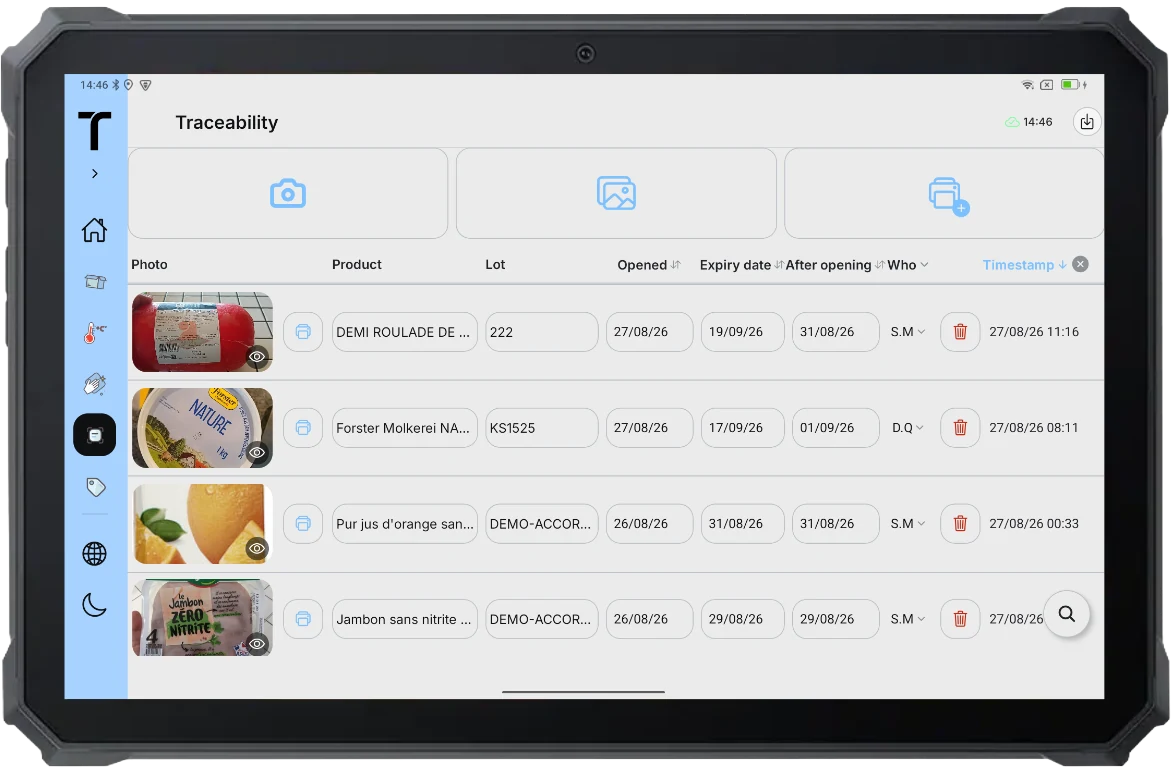
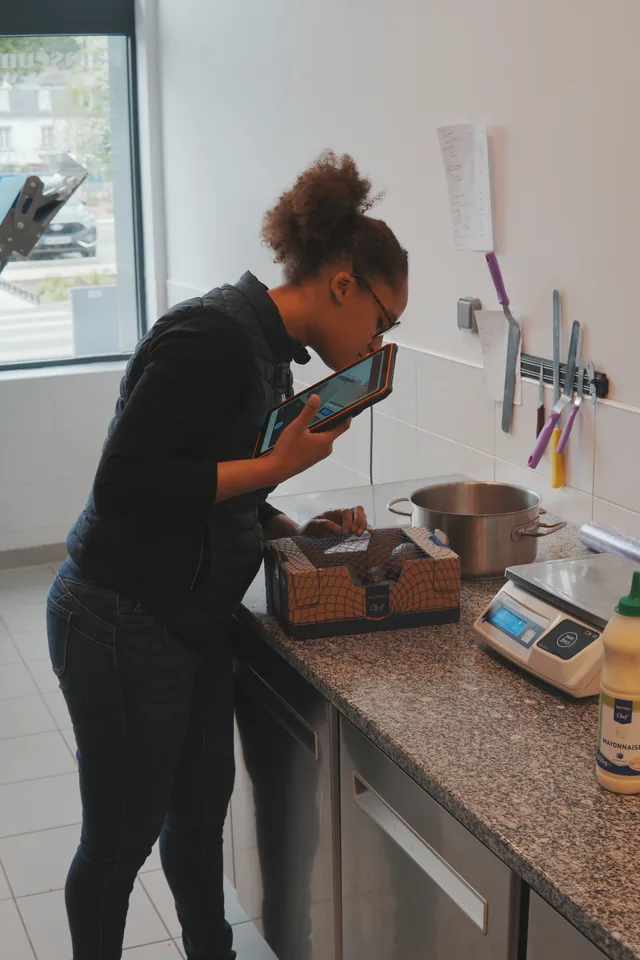
The team takes a photo of the opened product’s packaging. In one second, Traceo extracts the product, batch, and use-by or best-before date, and always proposes a secondary use-by date, used in particular to relabel the product once opened.
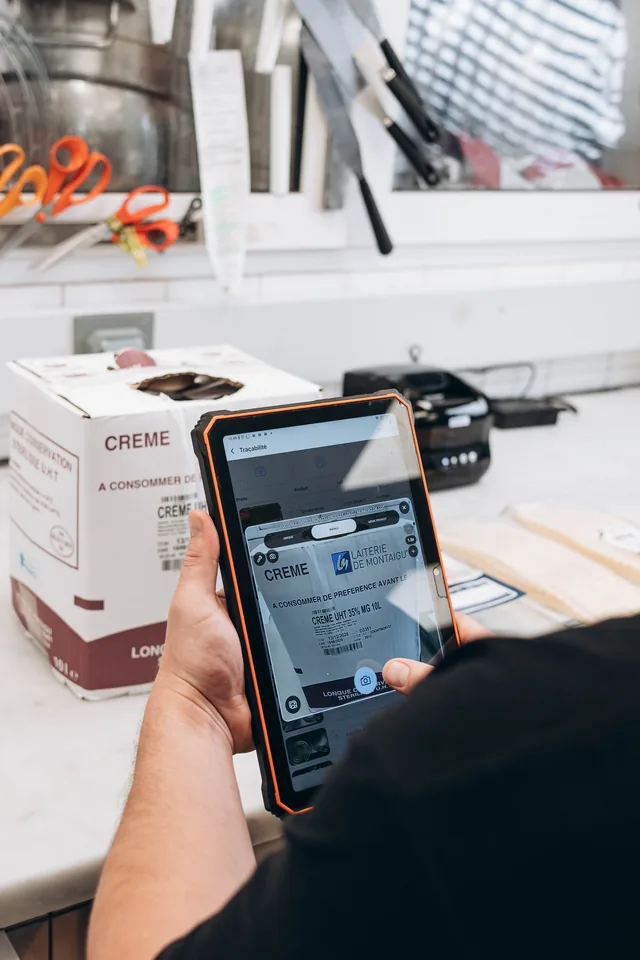 Boulangerie Pains & Kouign
  Boulangerie Pains & Kouign
  Boulangerie Le Painséum
  Boulangerie Le Painséum
  Boulangerie Pains & Kouign
 Cleaning made visible and easy
Attach your plan as an image or PDF, then configure zones, recurring tasks, assignments, products, and instructions.
- 01
Plan attached and zones configured
Add the existing plan as an image or PDF, then create zones and recurring tasks.
- 02
Assignments and instructions
Assign tasks and add products to use and practical instructions.
- 03
Completion with photo
The team completes the task. A photo can be added, and Traceo timestamps the action in the history.
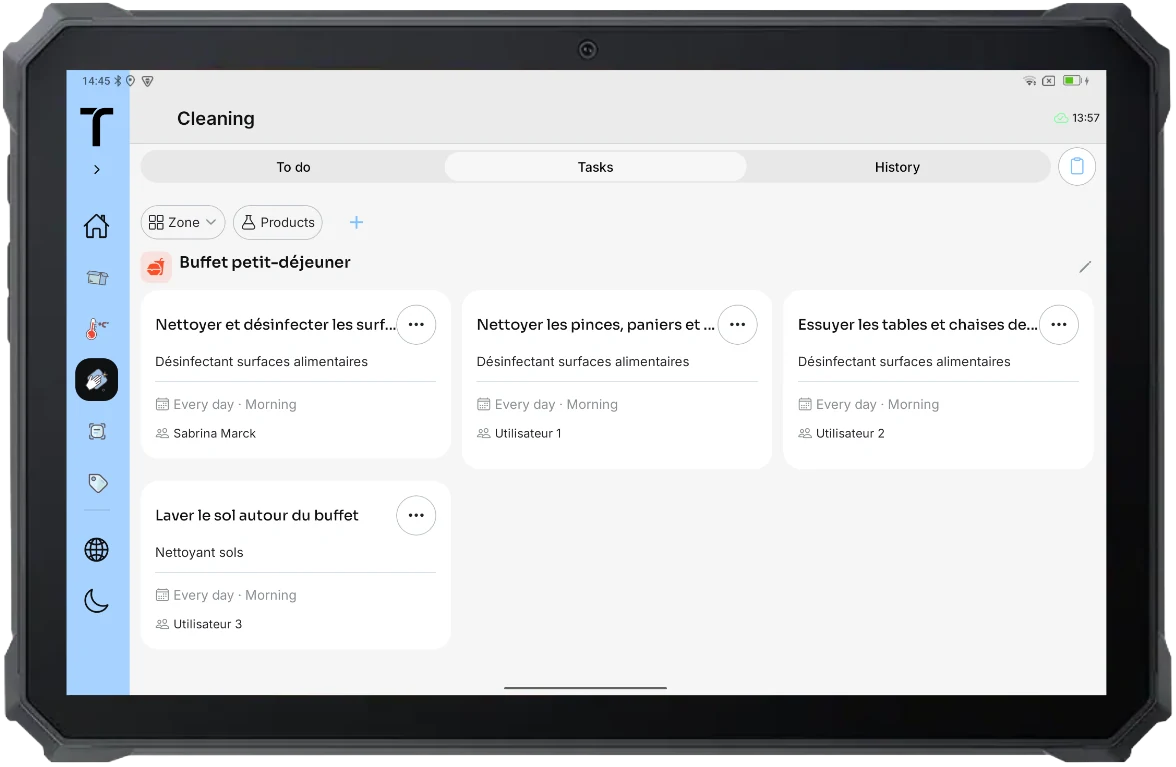
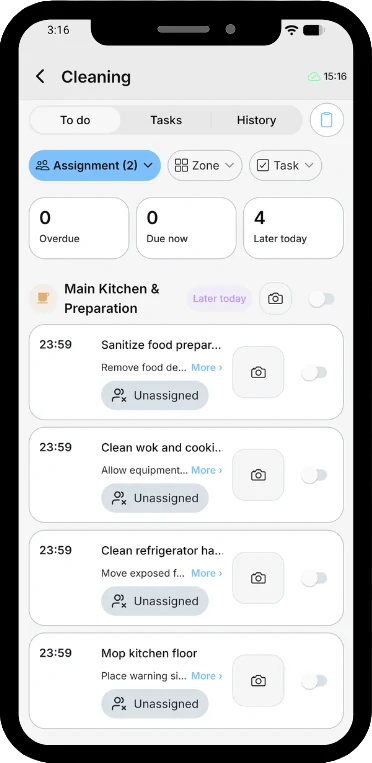
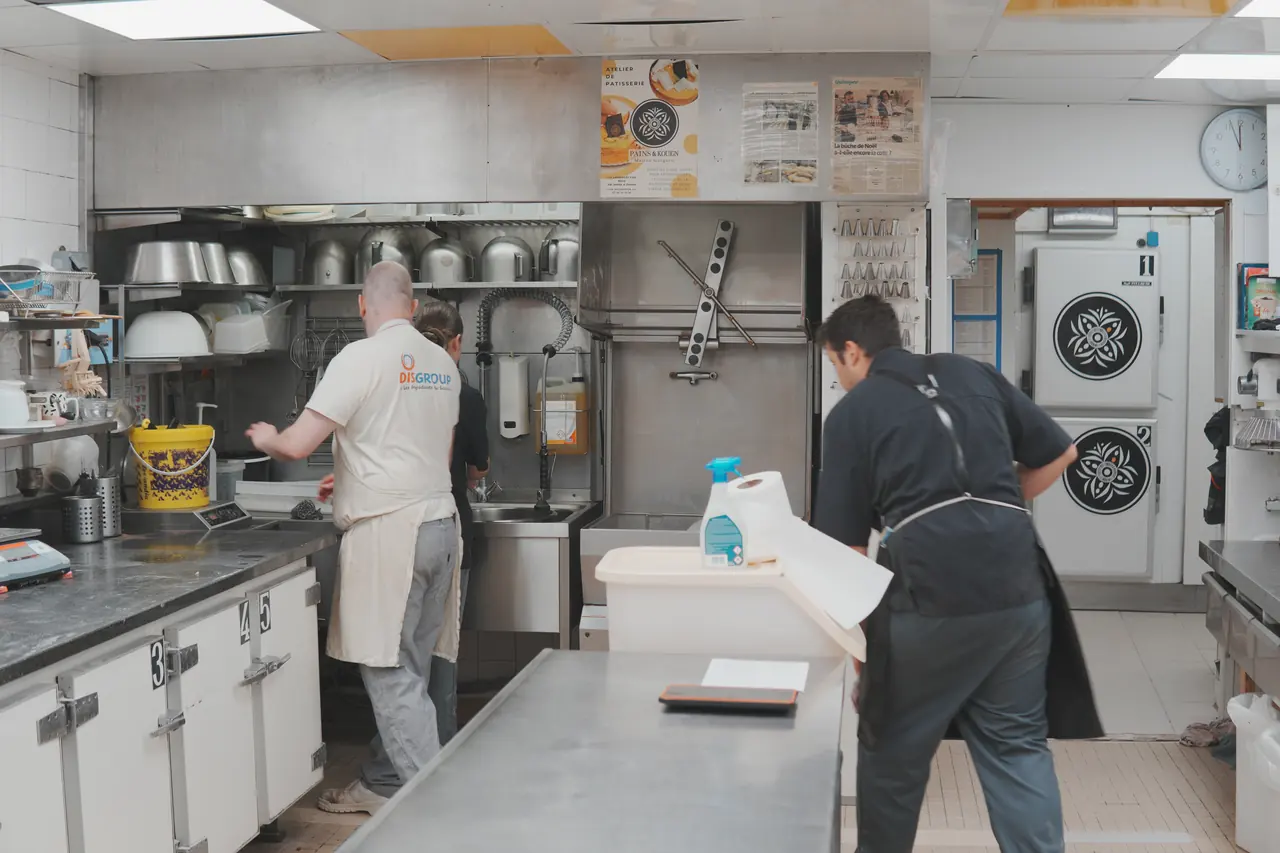
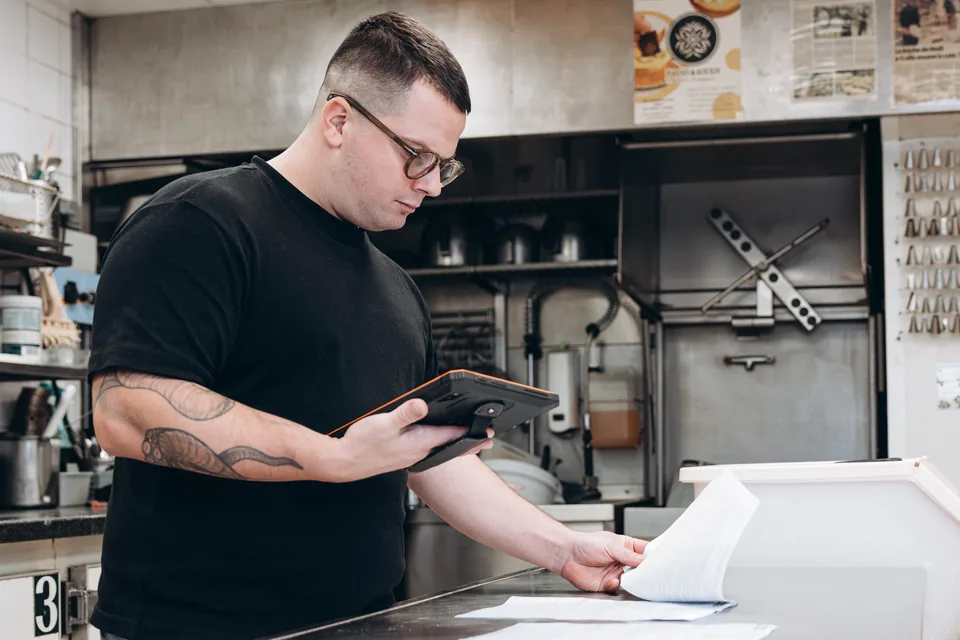
The plan can be attached as an image or PDF. The team completes recurring tasks and can add an optional photo.
 Boulangerie Pains & Kouign
Record goods reception
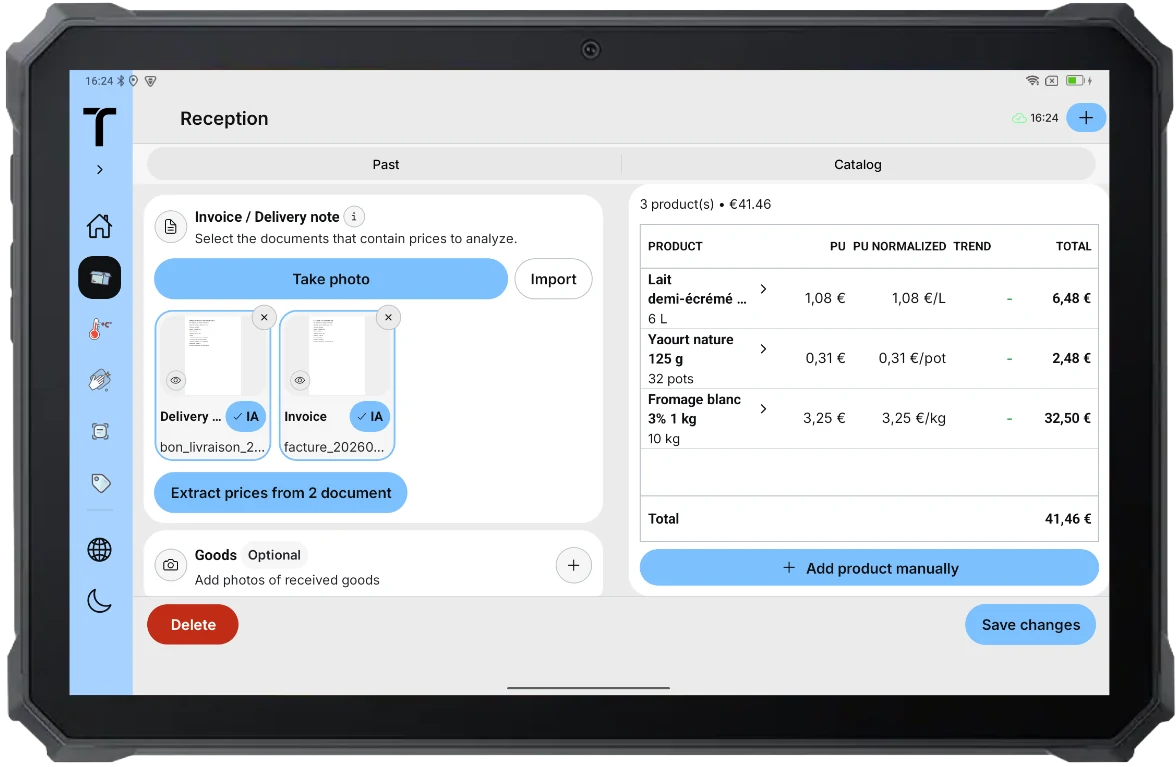
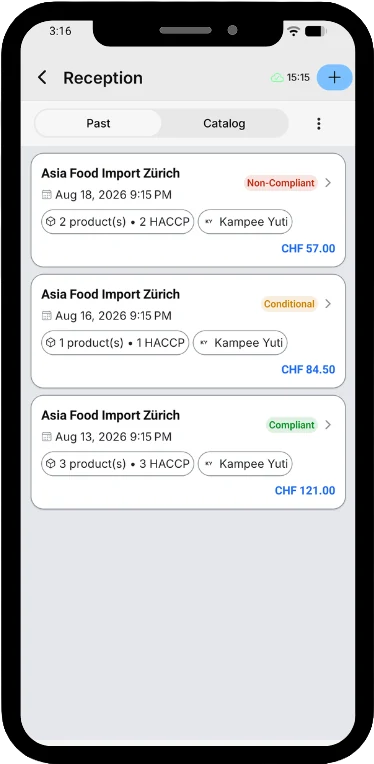
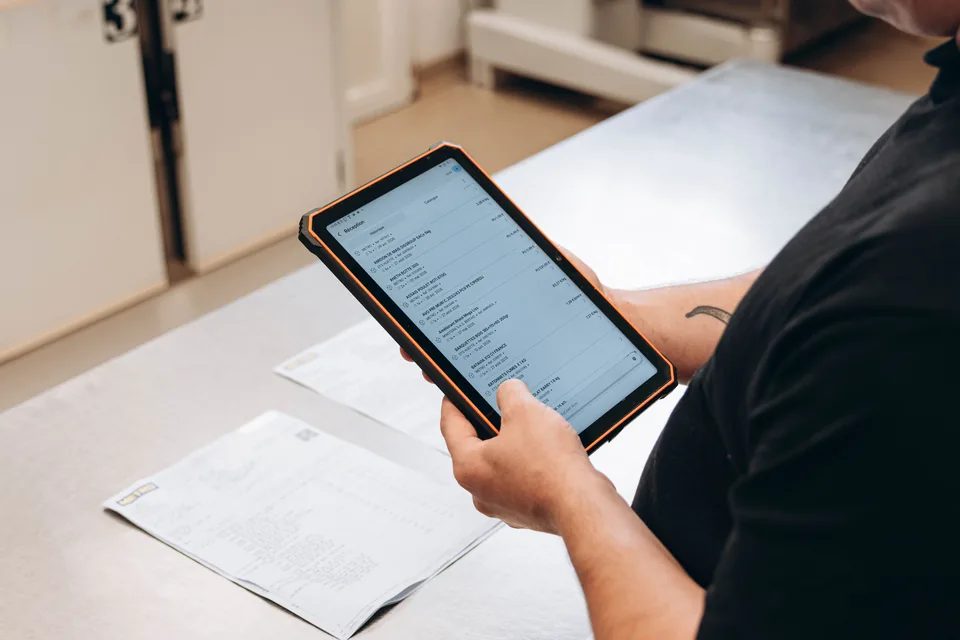
Attach documents or photos and review prices proposed from an invoice or delivery note.
- 01
Documents and photos attached
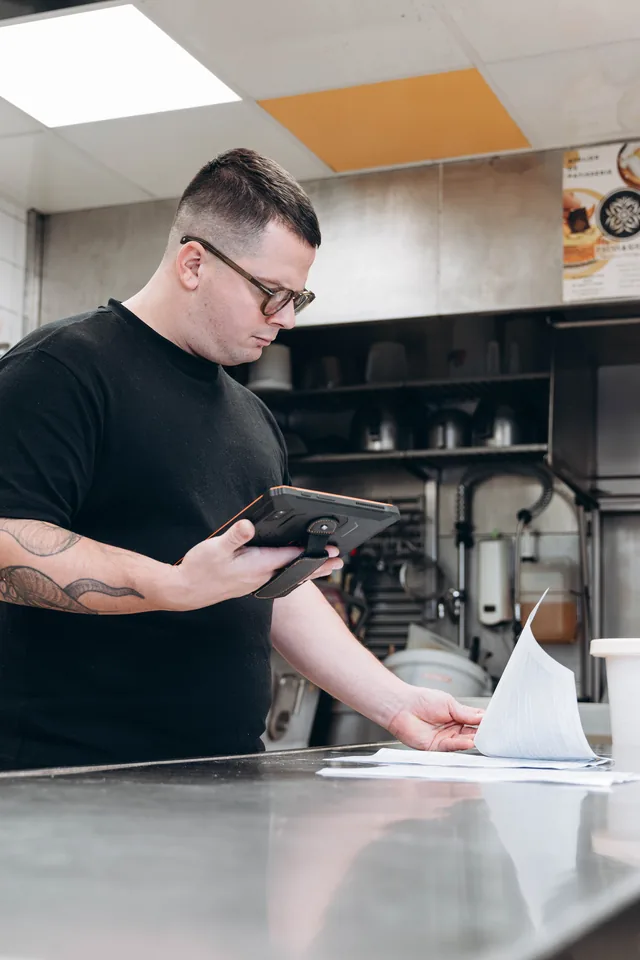
The team can attach an invoice, delivery note, and useful photos to the reception record.
- 02
Prices proposed, then reviewed
Traceo proposes prices read by AI from the invoice or delivery note. The user reviews them before saving.
- 03
Outcome and history recorded
Each line can be accepted, kept, or refused. Reviewed and saved prices feed the product price history.
 Boulangerie Pains & Kouign
  Boulangerie Pains & Kouign
  Boulangerie Pains & Kouign
  Boulangerie Le Painséum
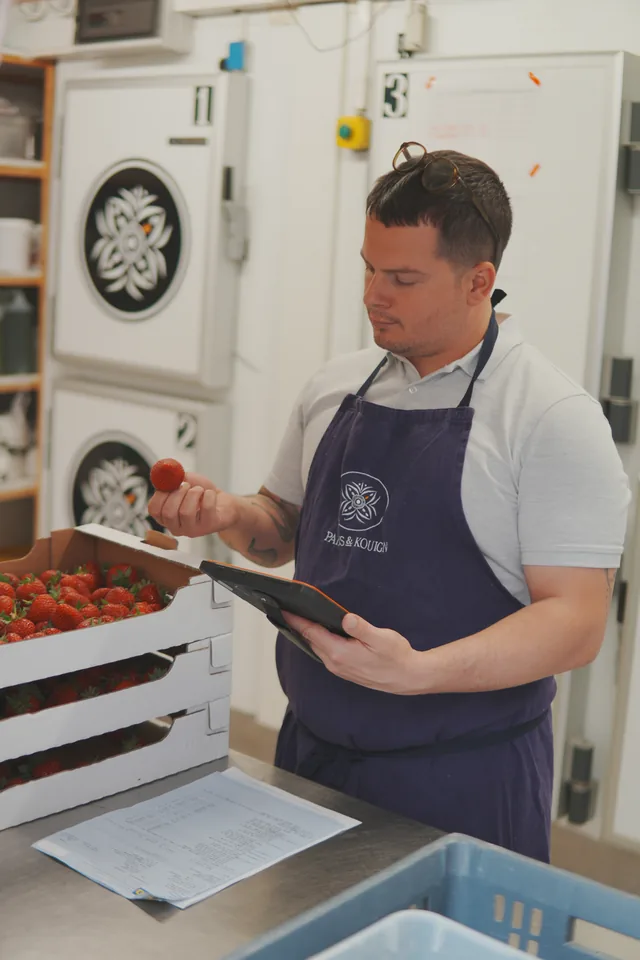
 The team attaches an invoice, delivery note, or photos. It reviews AI-proposed prices before saving them to the supplier price history.
Track every fryer from oil check to change
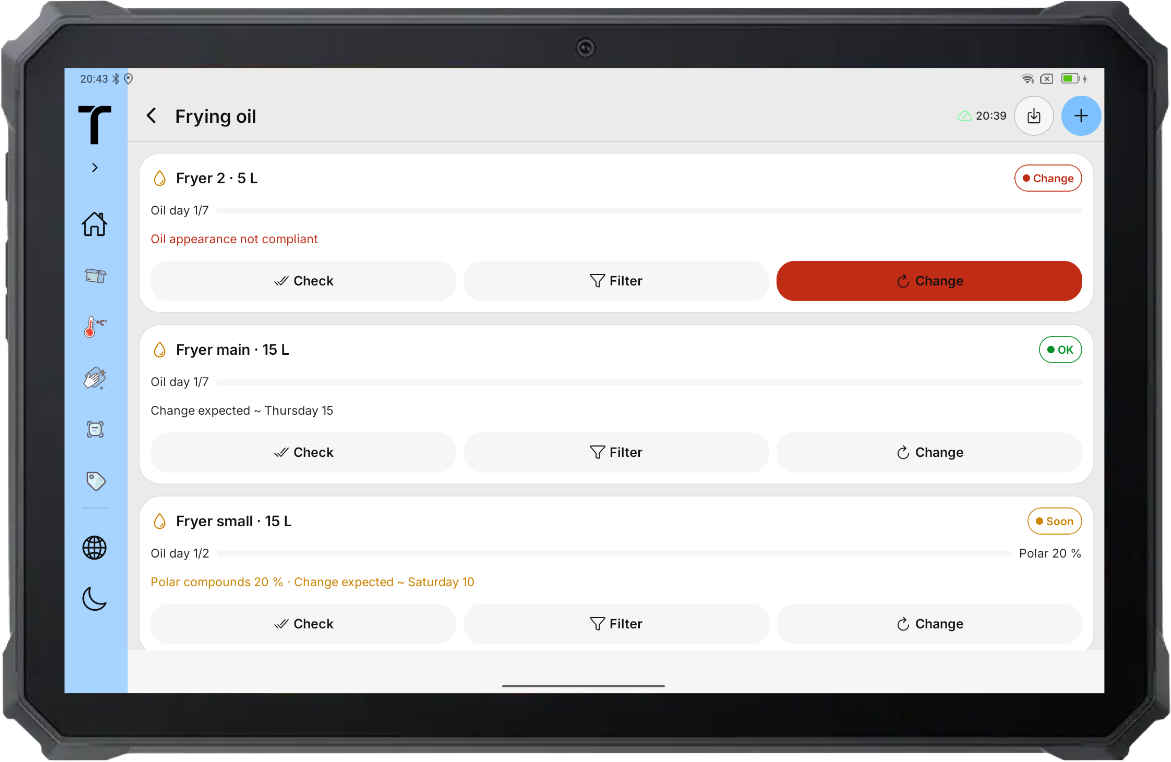
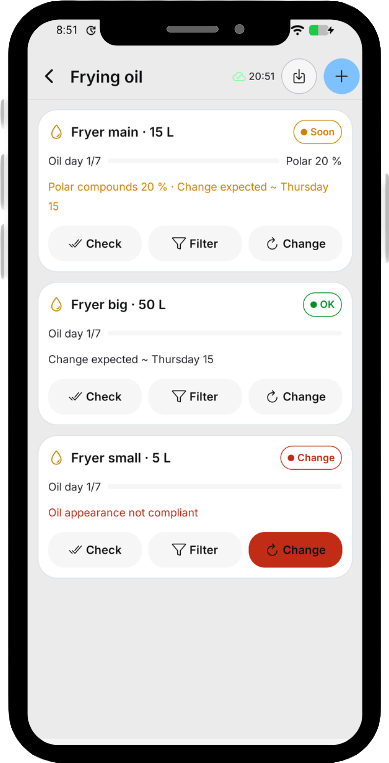
Configure each site’s fryers and record fryer-oil checks, filtering, top-ups, and changes in a history attributed to the fryer.
- 01
Set up each fryer
Define capacity, check methods, thresholds, and reminders for each fryer. Enable polar-compound checks when a tester is used.
- 02
Record daily checks
Record oil temperature and appearance, including colour, smell, smoke, and foam. With a tester, enter the polar-compounds percentage or read it from a photo of the display.
- 03
Review each fryer’s oil history
Keep fryer-oil checks, filtering, top-ups, oil changes, corrective actions, dates, and team members together in the fryer history.
Traceo Cloud
Each site’s useful documents, available in the office and in the kitchen.
- 01
Organize everything in one place
Create folders, upload files, and manage each site’s documents on the web or in the app (iOS & Android) on phone or tablet.
- 02
Open files where work happens
Consult the documents your team needs in the office, kitchen, or elsewhere on site.
- 03
Find documents already in Traceo
Consult files already attached to your Traceo records without uploading them a second time.
- 04
Keep working offline
Documents already available on the device remain accessible offline, and changes synchronize when the connection returns.
Monitor prepared food from production to service
Start a cooling or reheating run for one prepared product or a complete batch. Traceo compares core-temperature readings with the configured target and time limit.
- 01
Identify the food
Choose cooling or reheating, enter the product, optionally identify the batch, and record the initial core temperature.
- 02
Follow time and temperature
Add core-temperature readings while Traceo shows elapsed time, the remaining time, and progress toward the configured target.
- 03
Complete or explain the deviation
If the limit is exceeded, Traceo displays an alert and requires the team to record whether the food was discarded or describe another corrective action.