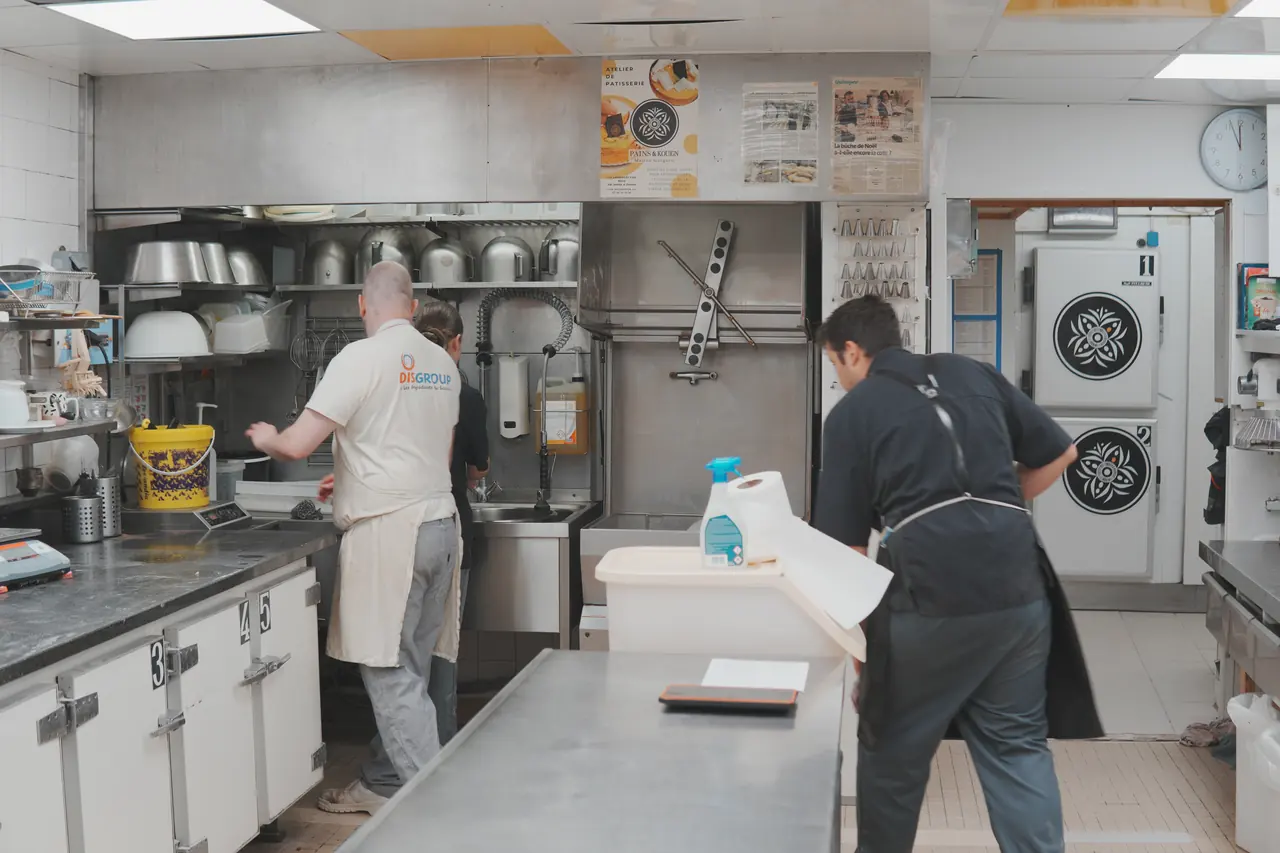
Plan attached and zones configured
Add the existing plan as an image or PDF, then create zones and recurring tasks.
Routine
Attach your plan as an image or PDF, then configure zones, recurring tasks, assignments, products, and instructions.
The team completes each task; a photo can be added but remains optional.
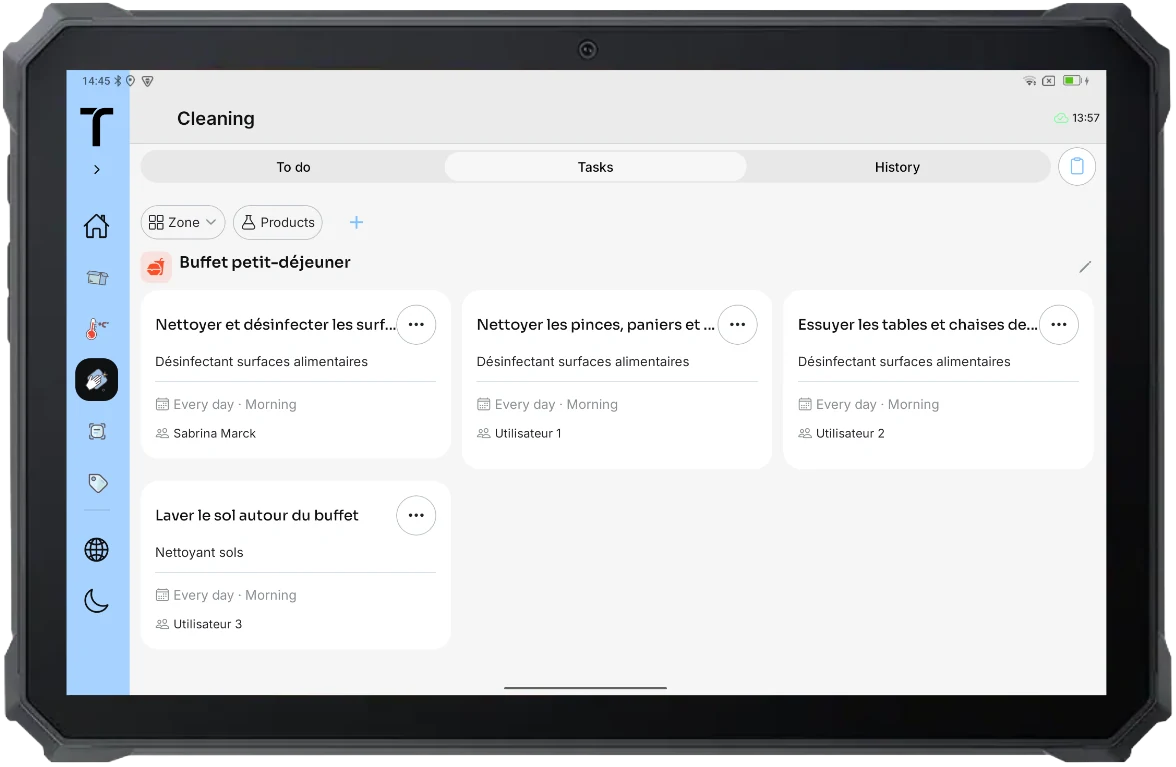
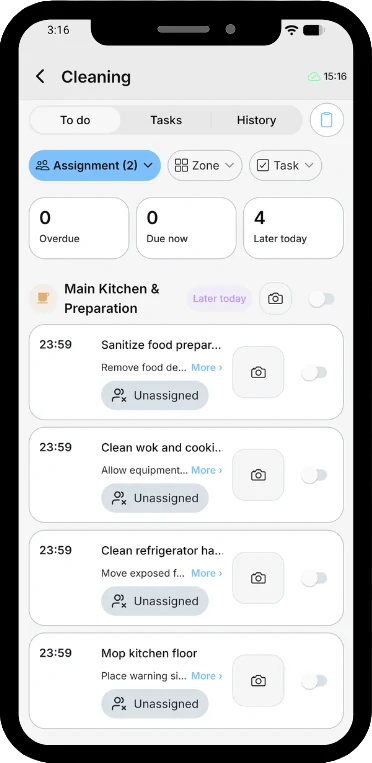
Add the existing plan as an image or PDF, then create zones and recurring tasks.
Assign tasks and add products to use and practical instructions.
The team completes the task. A photo can be added, and Traceo timestamps the action in the history.
In Traceo, each task can include instructions, an assignment, and products to use. The team completes the task and can add an optional photo.