
Take one to three photos
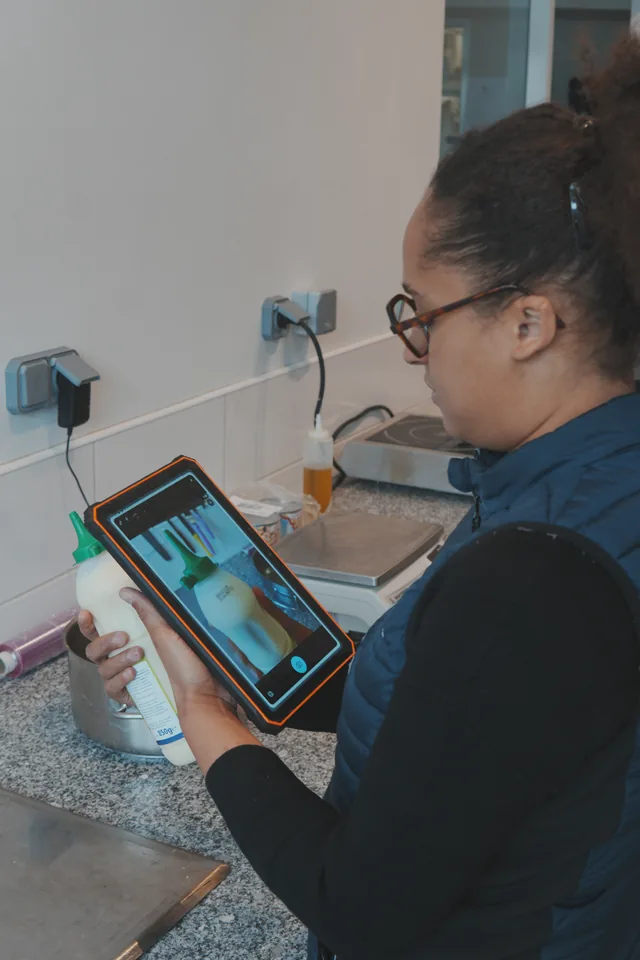
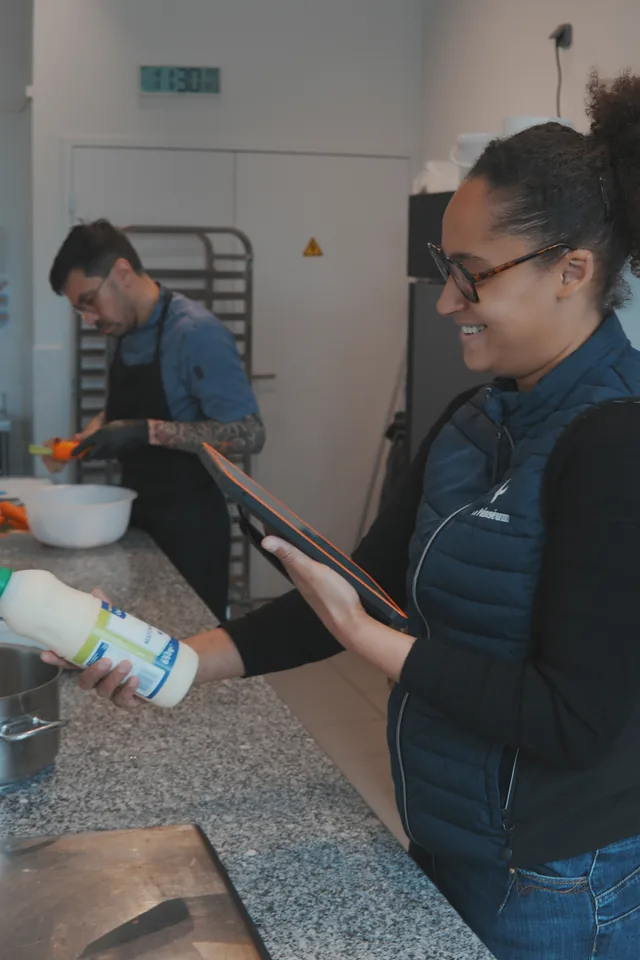
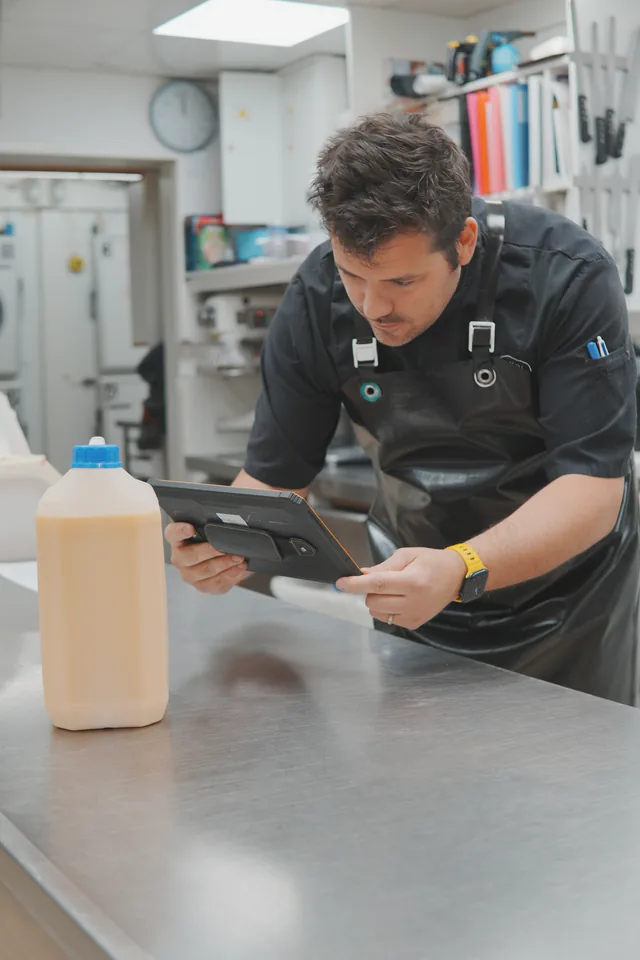
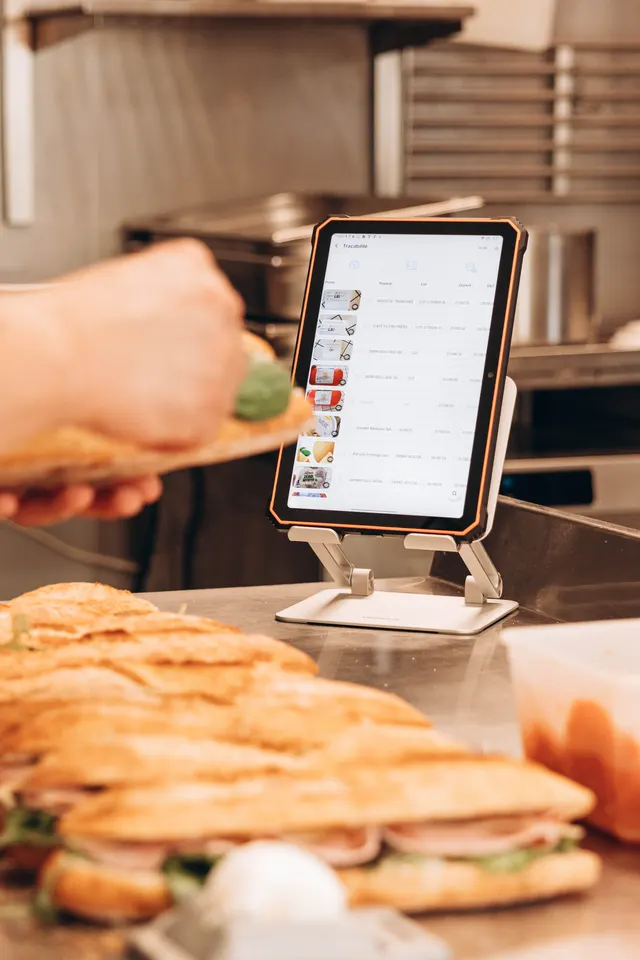
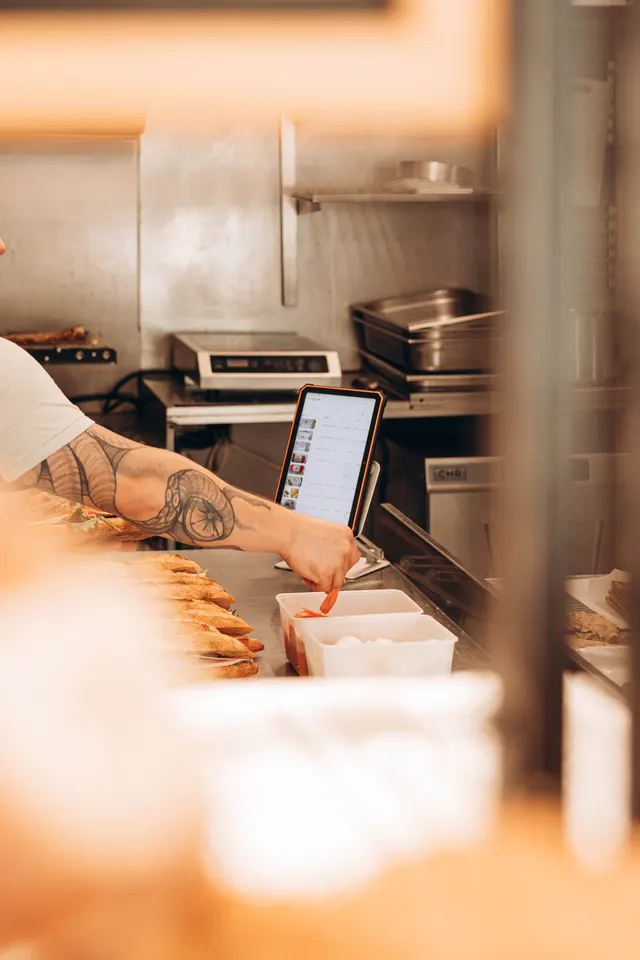
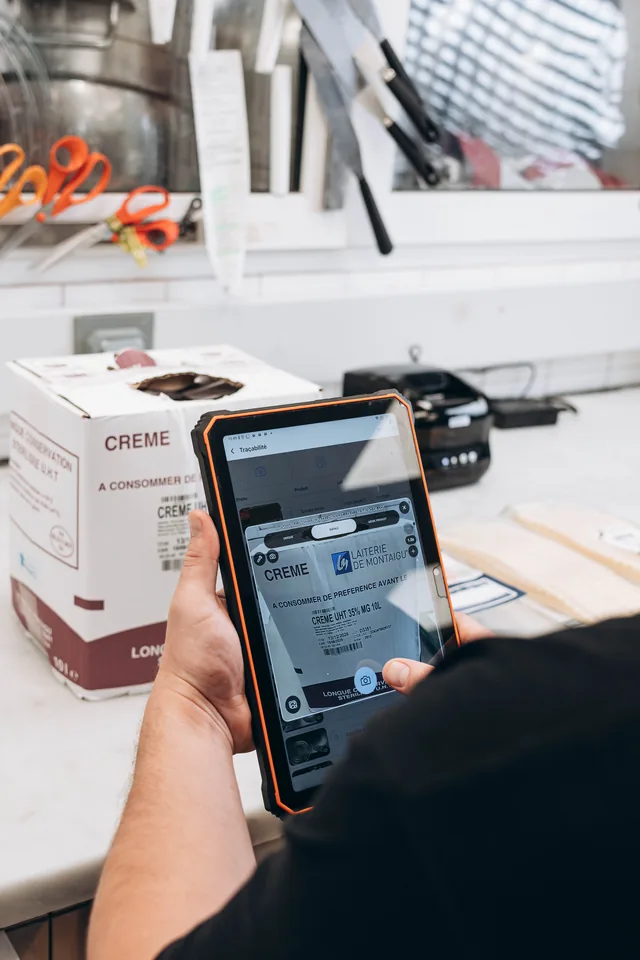
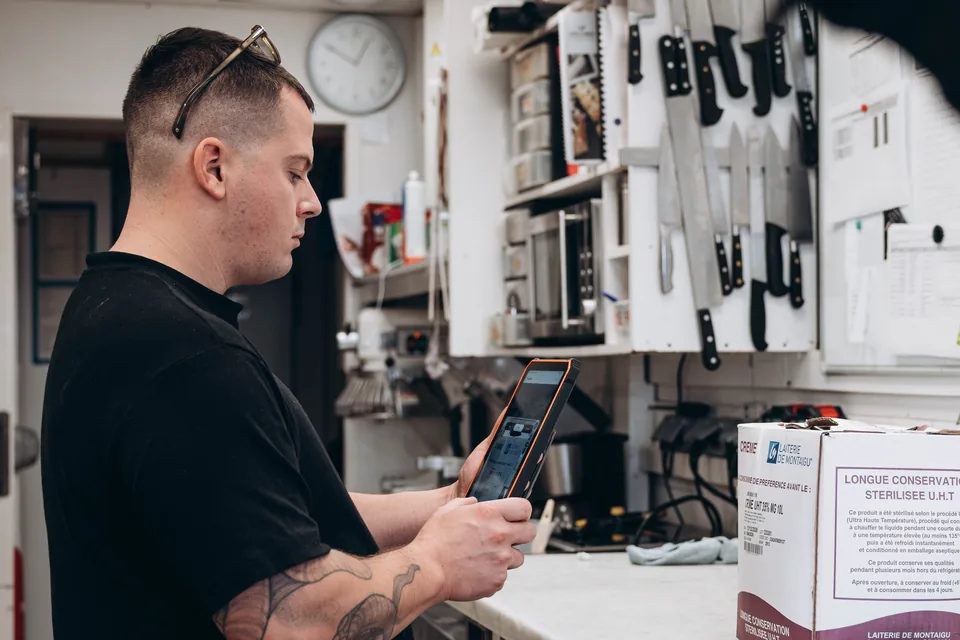
The team photographs the useful sides of the label in the traceability module.
Traceability
Take one to three label photos: in one second, Traceo extracts the product, batch, and dates, with no correction step before saving.
The opening date and operator come from the action recorded in Traceo, not from the image.
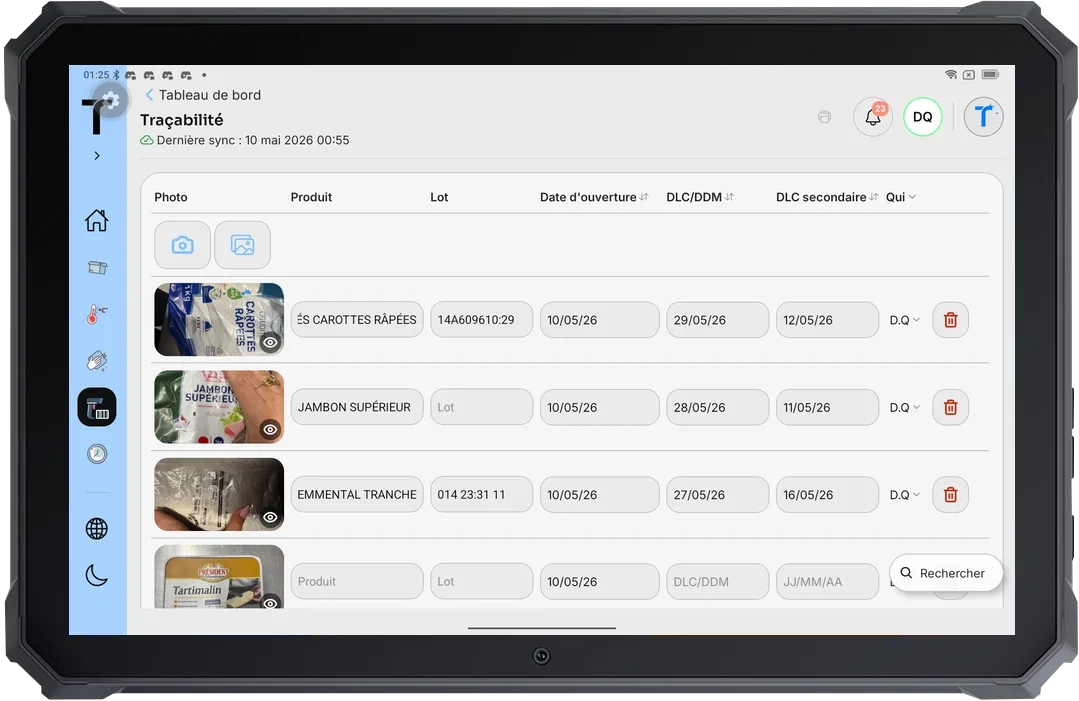

The team photographs the useful sides of the label in the traceability module.
In one second, Traceo extracts the name, batch, and use-by or best-before date. It always proposes a secondary use-by date after opening, used in particular to relabel the product.
No correction is required before saving. The opening date and operator come from the recorded action, not the image. The product, batch, and dates remain available.
 Boulangerie Pains & Kouign
 Boulangerie Pains & Kouign