
Launch Quick Print from Traceo data
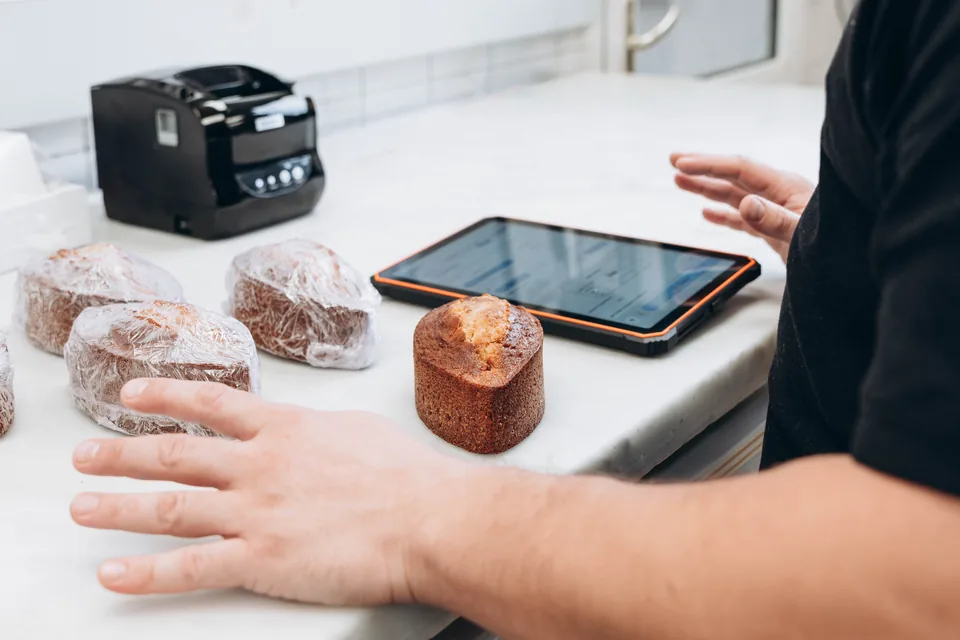
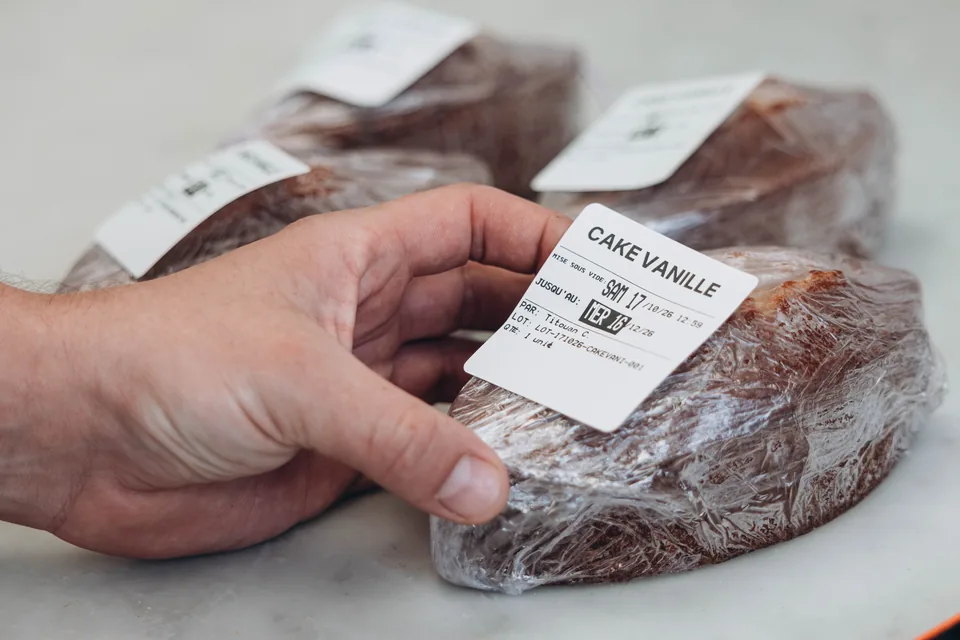
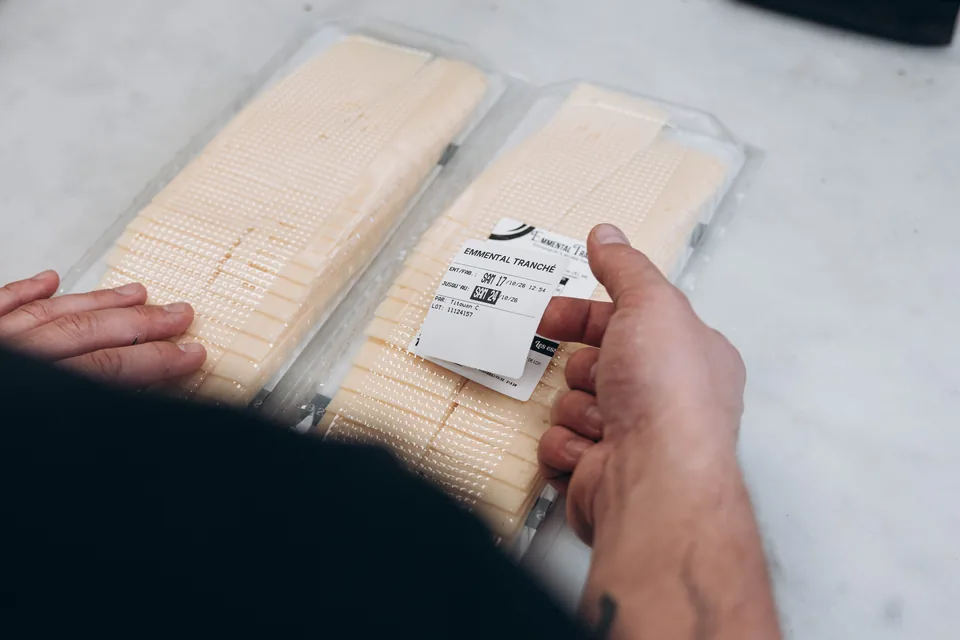
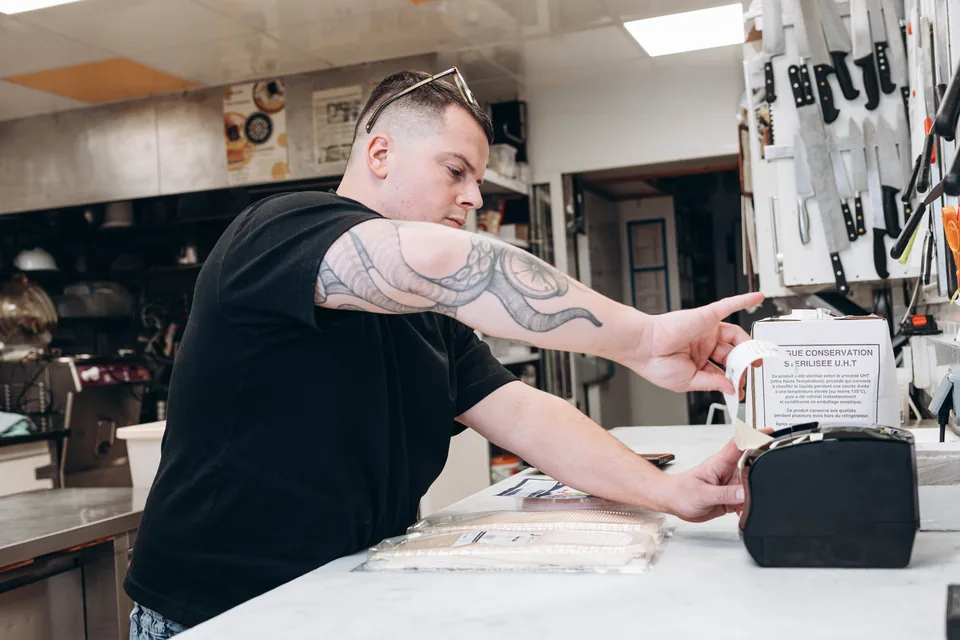
The team starts from an existing product or traceability record, reviews or edits the product and batch, then selects the label type, dates, and quantity.
Traceo hardware
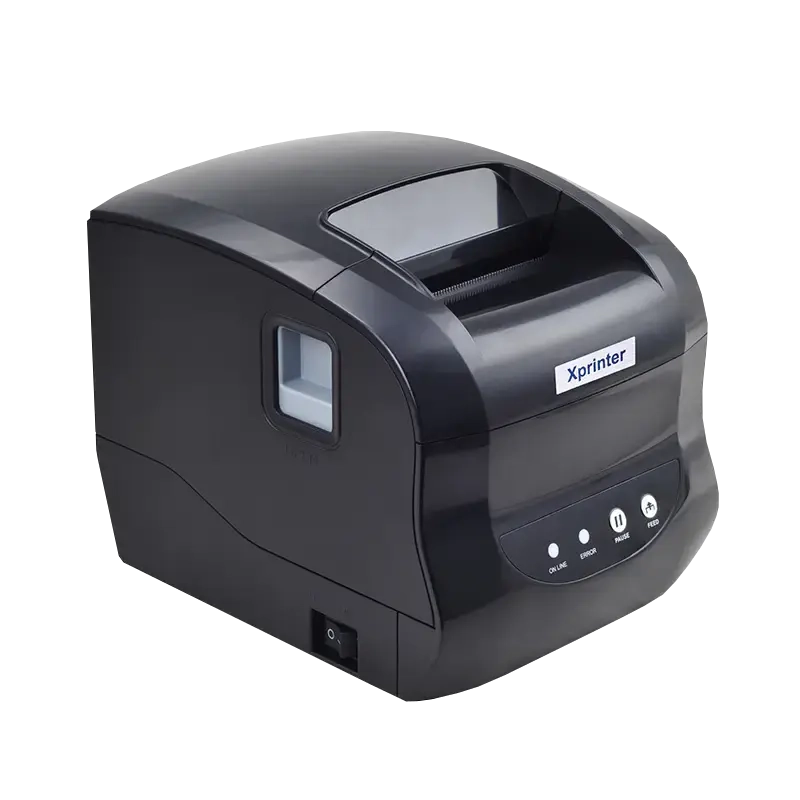
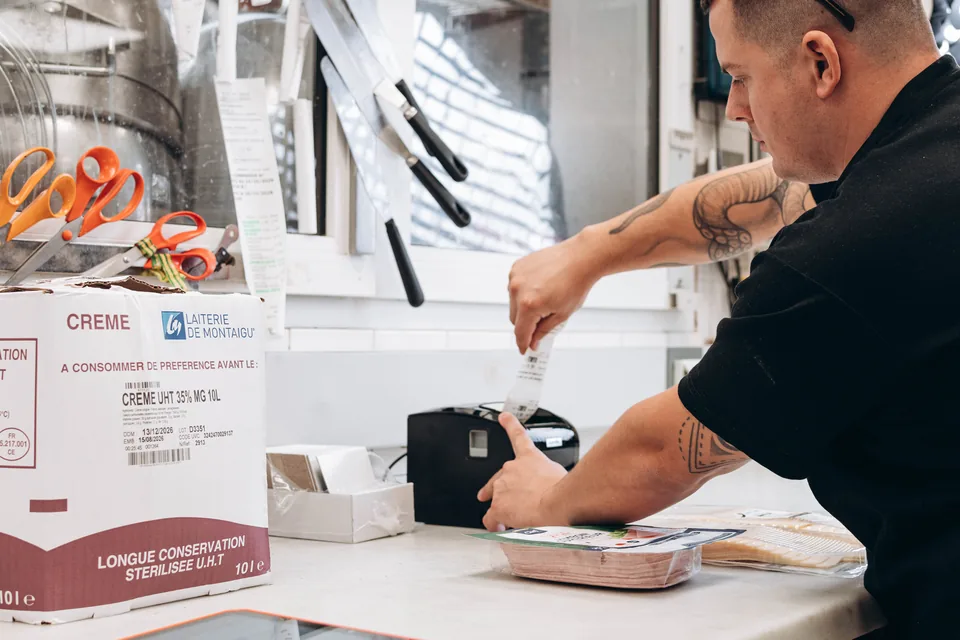
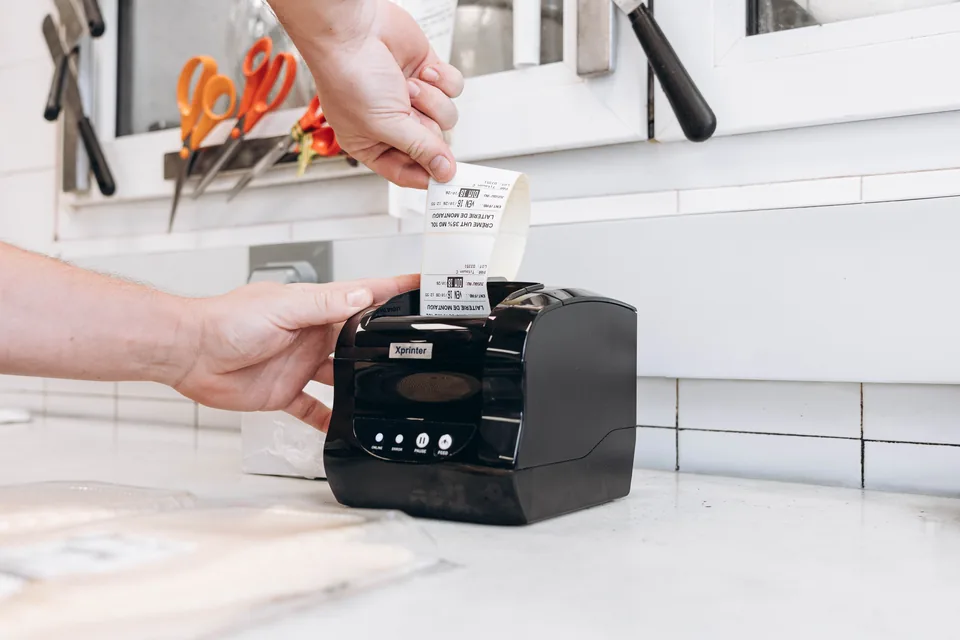
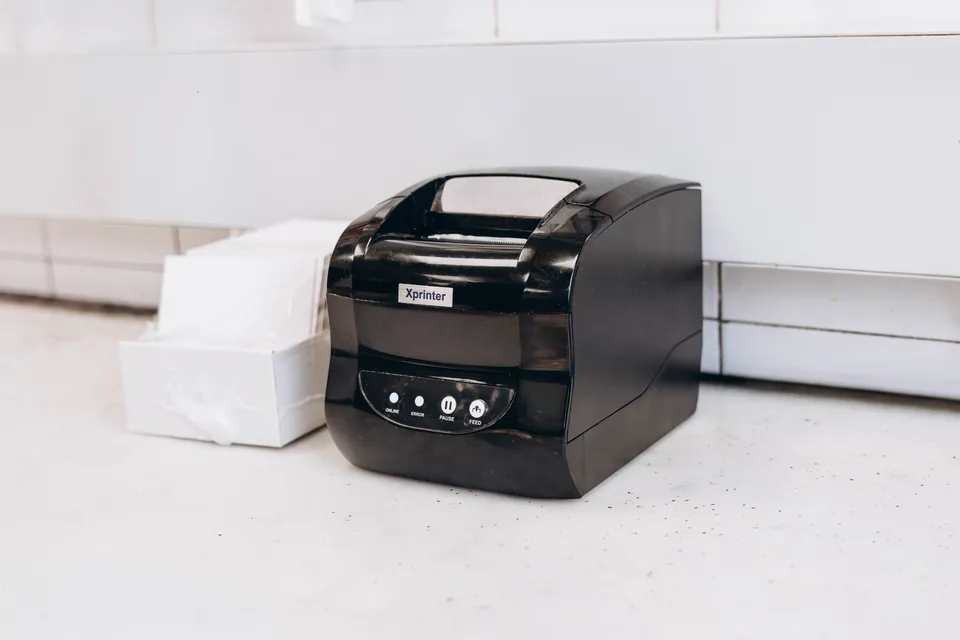
Print batches, expiry dates, and preparation dates from Traceo with a label printer ready for kitchen work and HACCP checks.
 Boulangerie Pains & Kouign
  Boulangerie Pains & Kouign
  Boulangerie Pains & Kouign
  Boulangerie Pains & Kouign
  Boulangerie Pains & Kouign
  Boulangerie Pains & Kouign
  Boulangerie Pains & Kouign
  Boulangerie Pains & Kouign
  Boulangerie Pains & Kouign
 The team starts from an existing product or traceability record, reviews or edits the product and batch, then selects the label type, dates, and quantity.
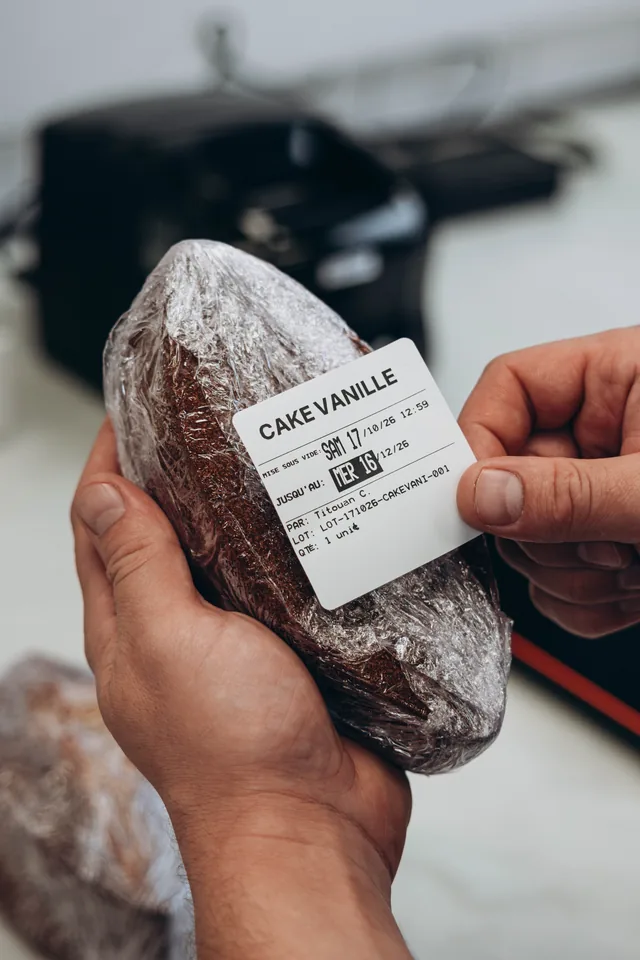
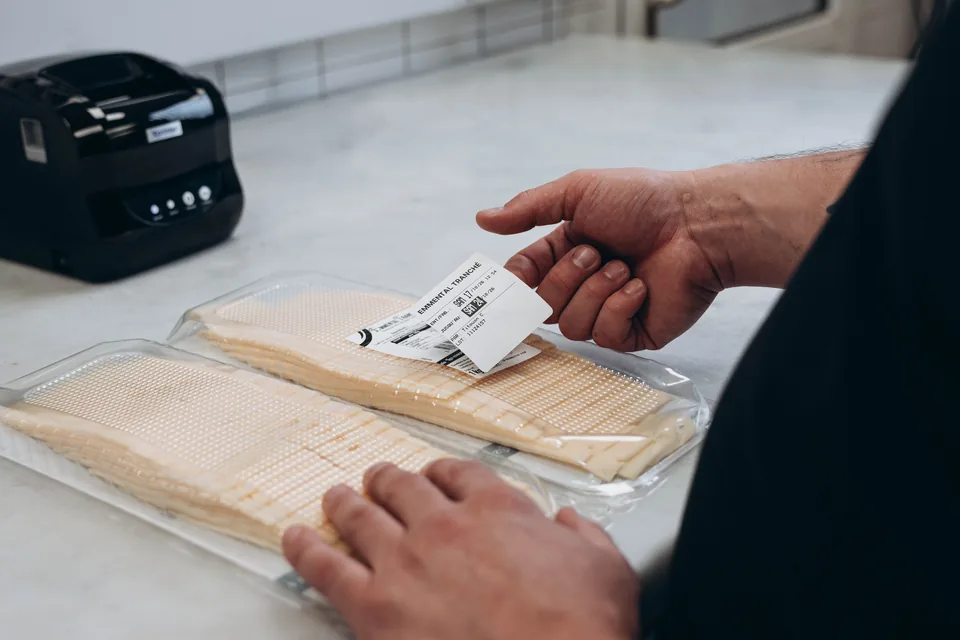
Label rolls suited to the configuration and kitchen use keep information visible on identified containers and products.
Every label uses the same format. Teams save time and use the same template from one service to the next.
Every label printed from Traceo stays connected to your HACCP records. Evidence is easier to read and retrieve during inspections.
Xprinter label printer supplied and configured with Traceo. The items above describe the Traceo setup: thermal printing, labels, printed data, and support. The exact model, compatible rolls, and connectivity are confirmed during installation.