
Start from existing data
Quick Print uses an existing product or traceability record to prepare a label without making the printed label a linked evidence record.
Labels
Launch Quick Print from an existing product or traceability record, then review every field before printing.
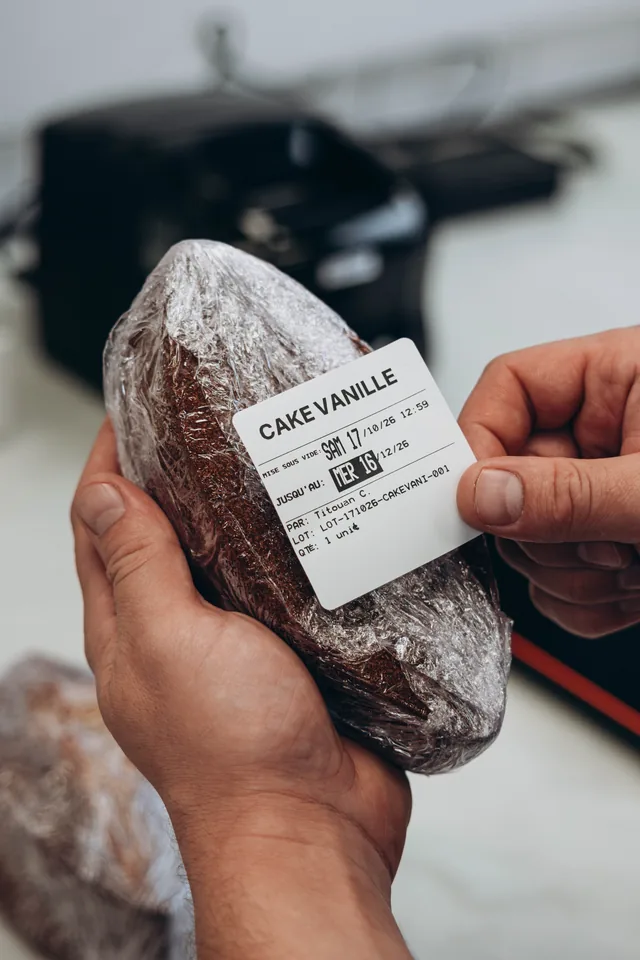
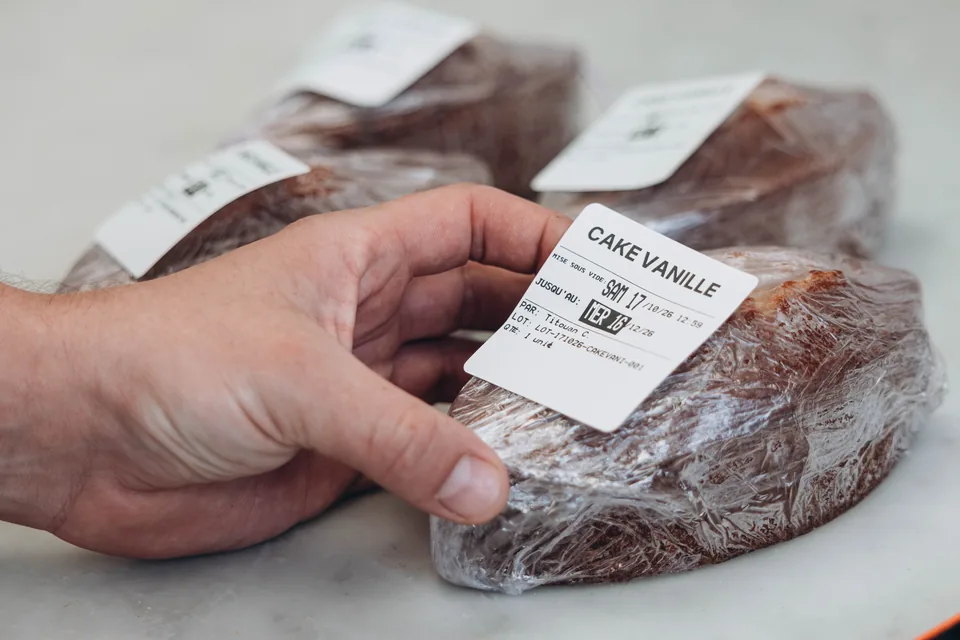
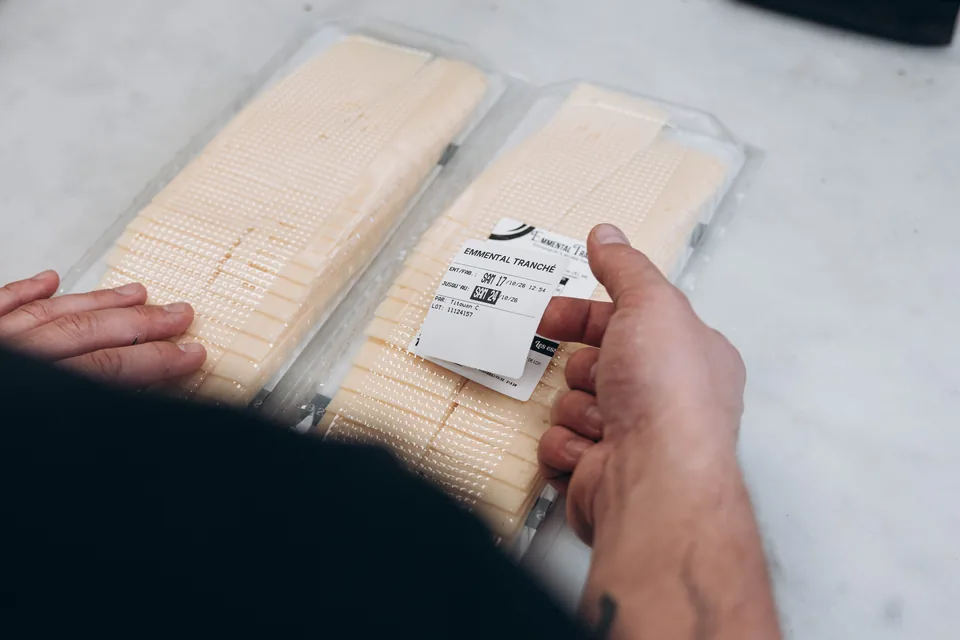
Choose the label type, dates, and quantity. Traceo provides a configured thermal printer and suitable rolls.
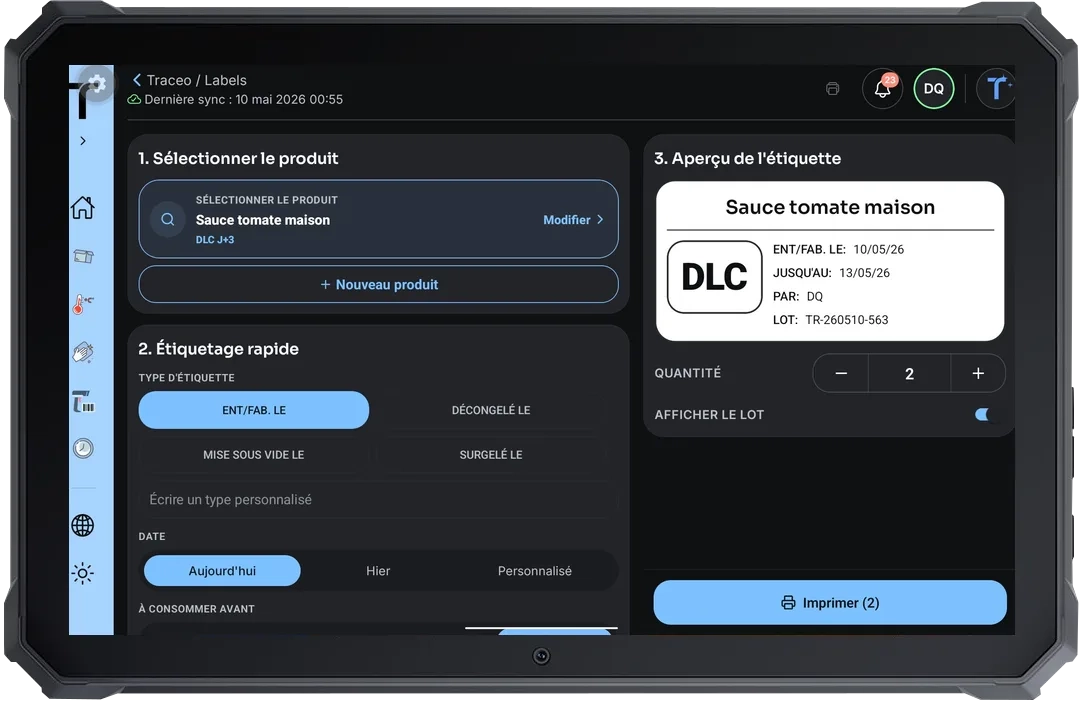
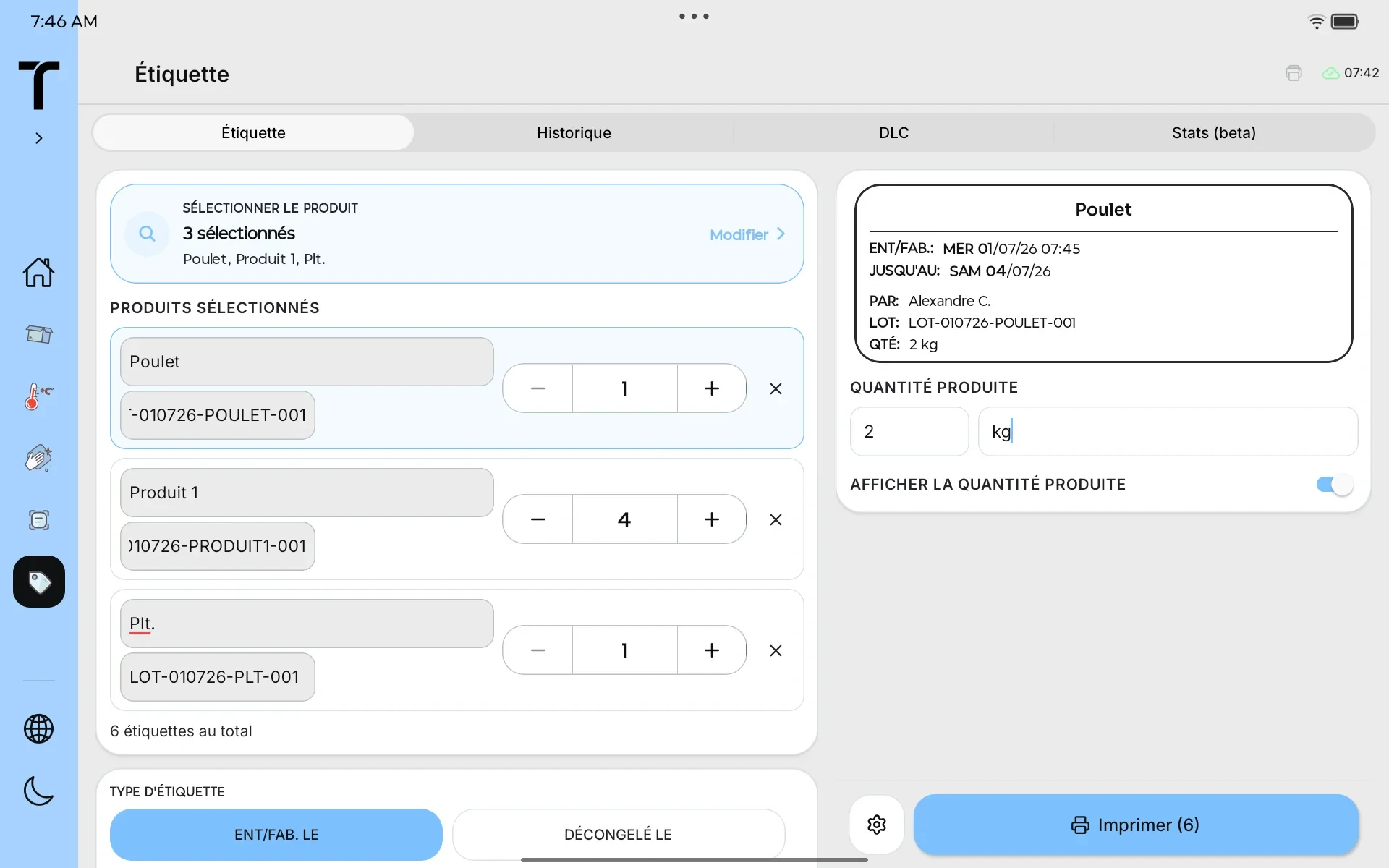
Quick Print uses an existing product or traceability record to prepare a label without making the printed label a linked evidence record.
Review or edit the product and batch, then choose the label type, dates, quantity, and allergens included in your configuration.
Traceo prepares the fields for the selected label type and sends them to the configured thermal printer.
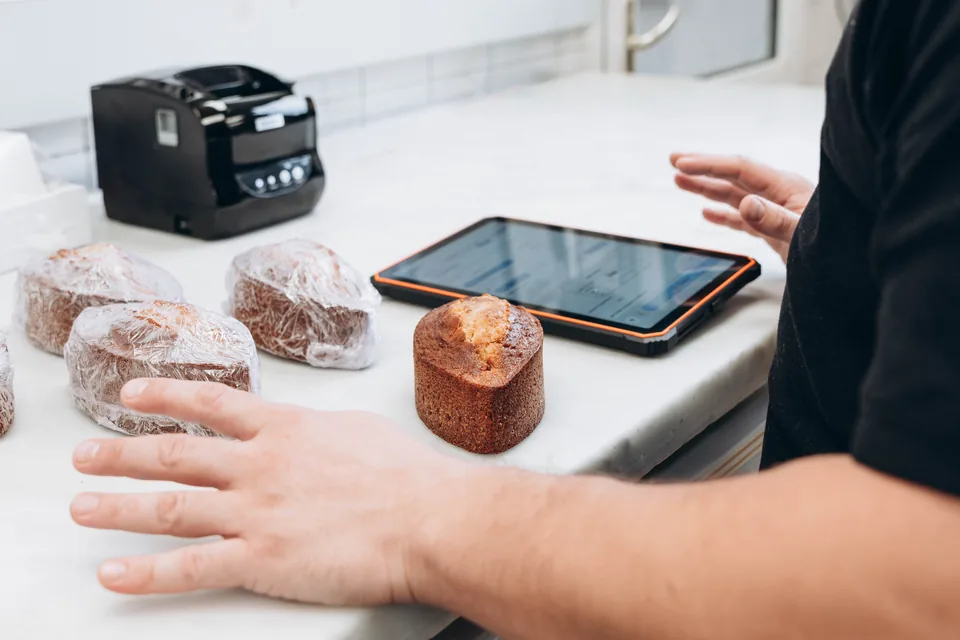 Boulangerie Pains & Kouign
 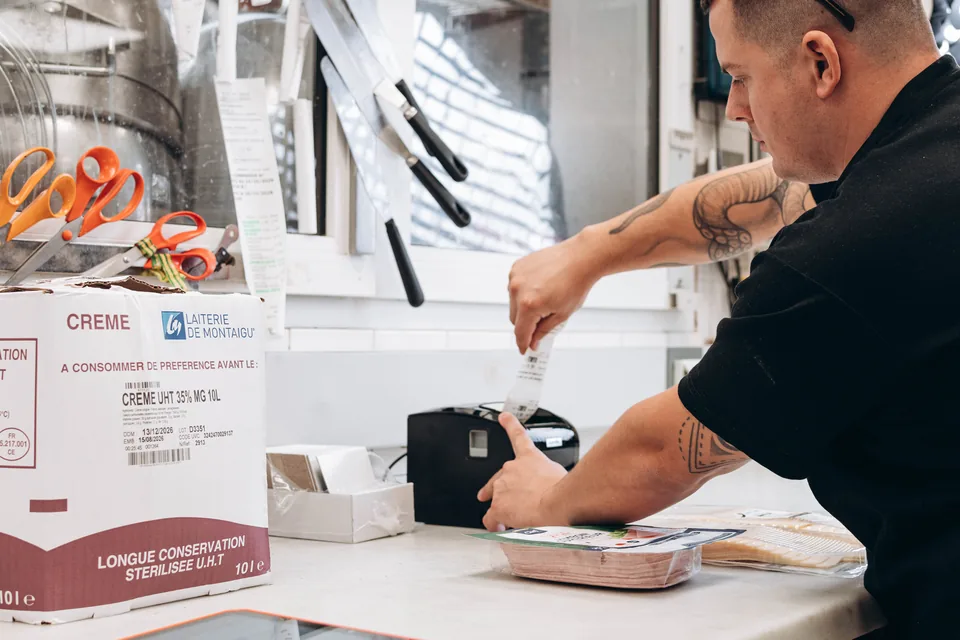 Boulangerie Pains & Kouign
  Boulangerie Pains & Kouign
  Boulangerie Pains & Kouign
  Boulangerie Pains & Kouign